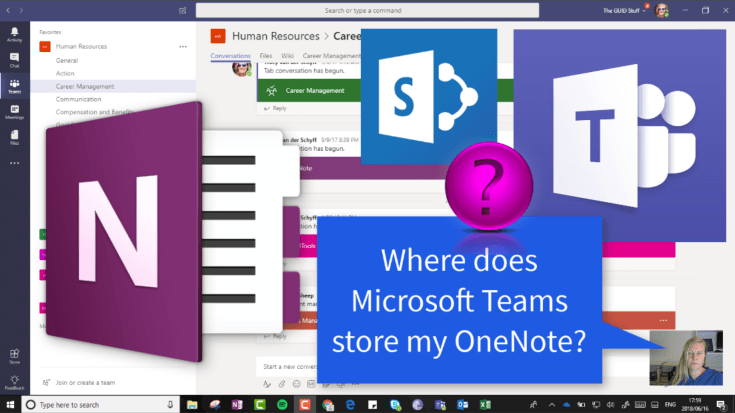
We know that your Microsoft Team (#Office365Group) creates a OneNote for you to use. If you're not sure where that is stored, let me show you. It's called Notebook and it's created right there on your #SharePoint site behind your... Continue Reading →
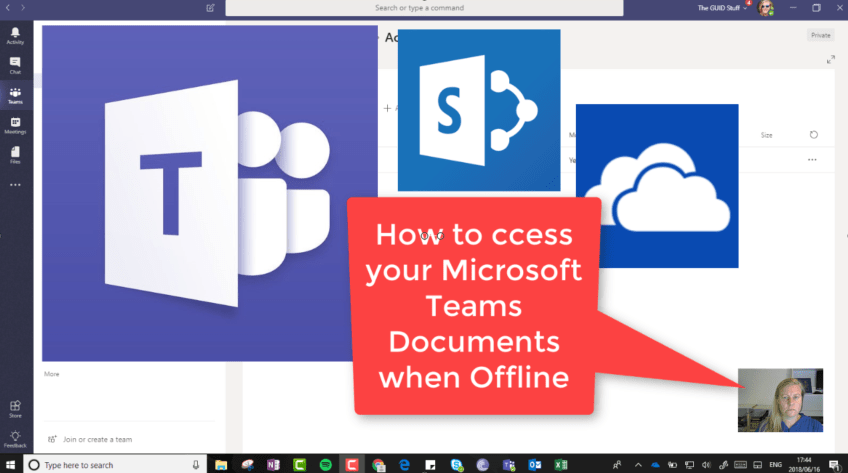
So Microsoft Teams is GREAT! You might want to access those documents when you're not online, so what can we do about this? It's much easier than you might think - open the #SharePoint Library in the background and sync... Continue Reading →
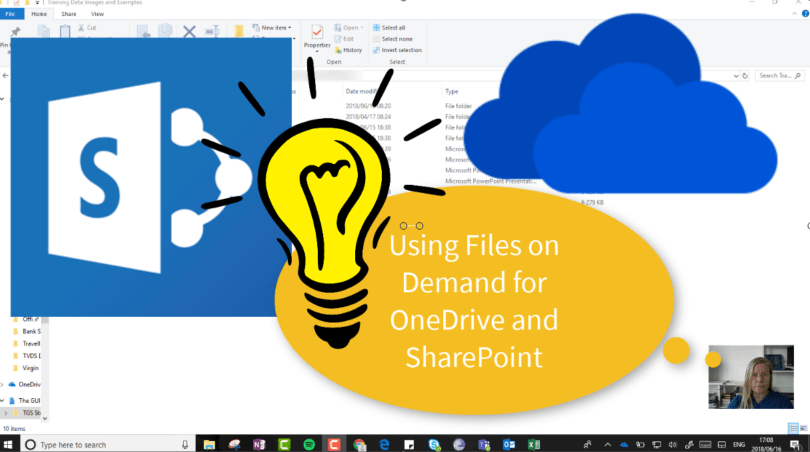
Files on Demand is a great feature that allows us to decide which files / folders should be synced to our devices. With a 1TB storage, you definitely don't want to sync all your files. You'll still see all the... Continue Reading →
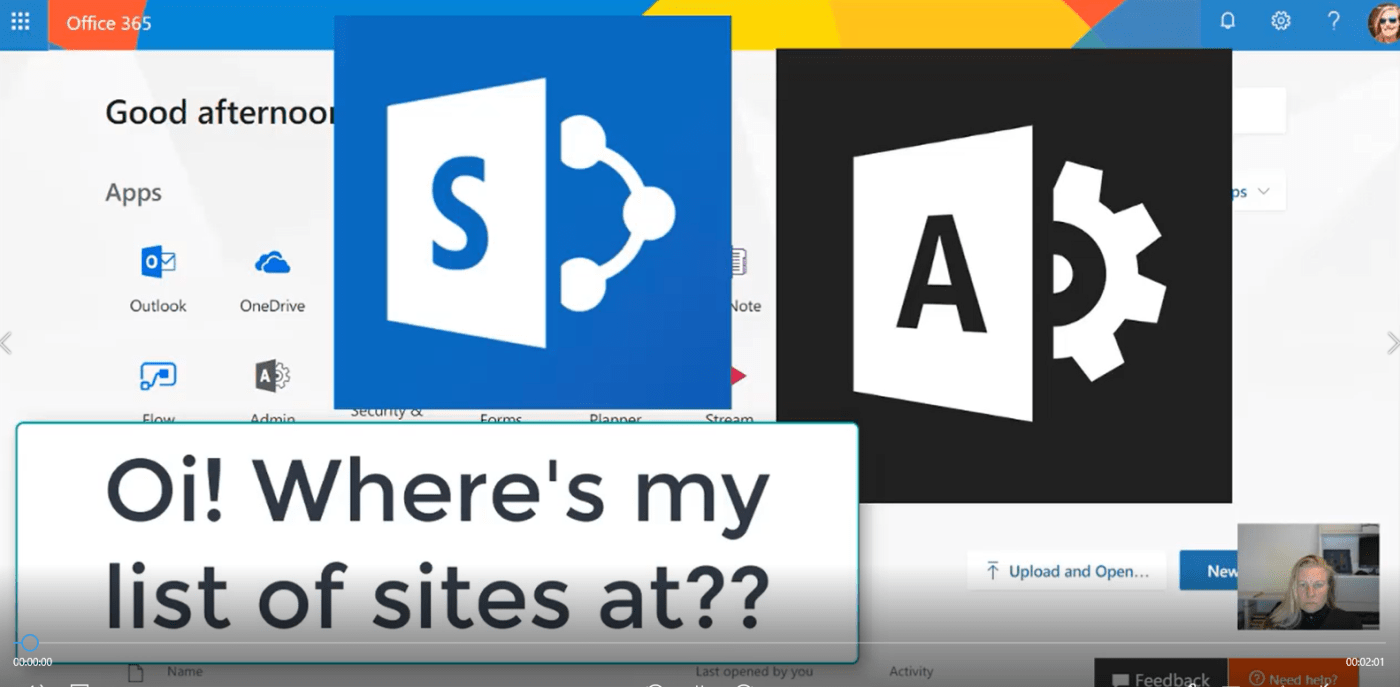
If you're in charge of managing the chaos, you might be concerned about the growing list of Site Collections in SharePoint. Remember these are created for every Microsoft Team as well. Well, now in the new SharePoint Admin Center -... Continue Reading →

#Microsoft365 #Office365 As part of a mini series for #CitizenDevelopers I'll be sharing tips and tricks around Business Analysis, Project and Change Management. Today we'll take a look at the Project Management Process. There are so many methodologies out there,... Continue Reading →

#Microsoft365 #Office365 As part of a mini series for #CitizenDevelopers I'll be sharing tips and tricks around Business Analysis, Project and Change Management. Today we'll take a look at documenting your solutions. Yes. It's painful, I know. But I do believe... Continue Reading →
 Tracy van der Schyff