
#Office365Challenge Amongst other things, Sway allows us to insert tweets, videos and embed code in our presentations. Let's see how that works. Day: 303 of 365, 62 left Tools: Office 365, Sway Description: Using Media in Microsoft Sway Audience: All Let's take... Continue Reading →

#Office365Challenge In today's post we'll start adding images to our Sway and try the different grouping types for effect. Day: 302 of 365, 63 left Tools: Office 365, Sway Description: Working with Images in your Microsoft Sway Audience: All In yesterday's post... Continue Reading →

#Office365Challenge This is my first post about Microsoft Sway. I'll only be covering the basics, so join me on my journey of getting to know and use Sway. Day: 301 of 365, 64 left Tools: Office 365, Sway Description: Creating your first... Continue Reading →
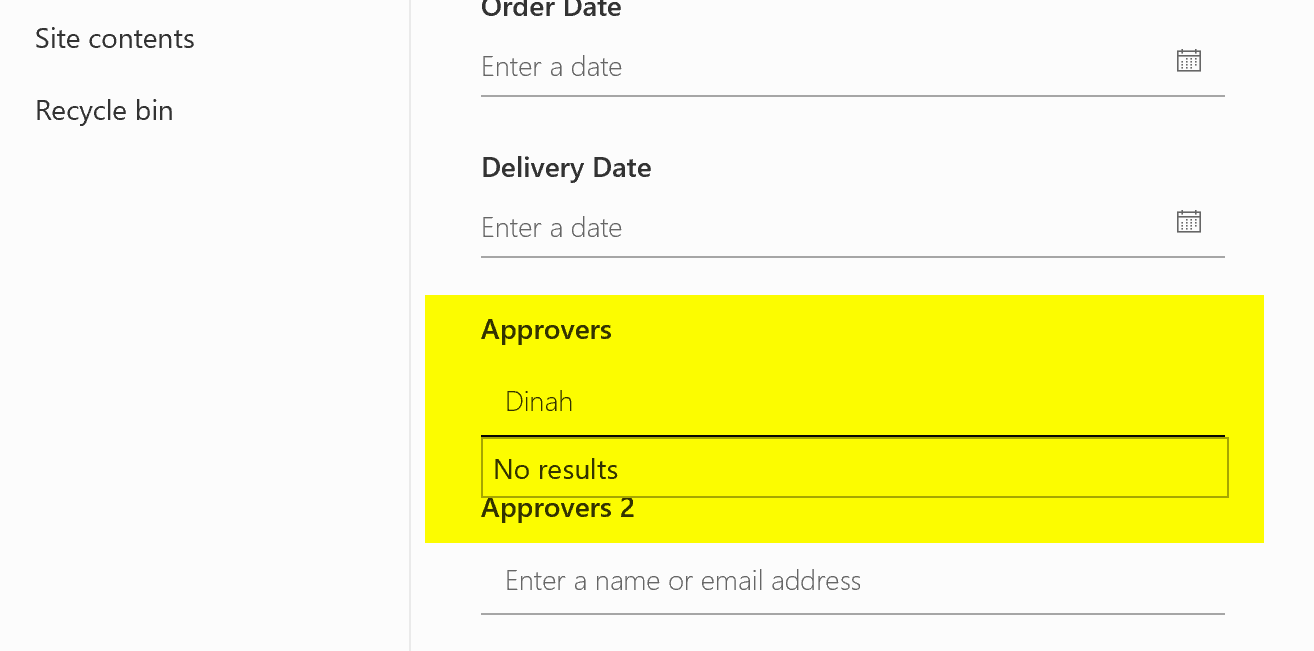
#Office365Challenge How's that for planning?! My 300th post in this challenge falls on Xmas. So I really hope no one reads my post today or even opens their computers. But, here goes anyway. In SharePoint you can restrict who may... Continue Reading →

#Office365Challenge Anyone who writes books, blogs, articles, whitepapers & create presentations will find this useful. So yes - pretty much most of us. The ability to create meaningful citations for bibliographies or references are extremely powerful in Word. Day: 299 of 365, 66... Continue Reading →
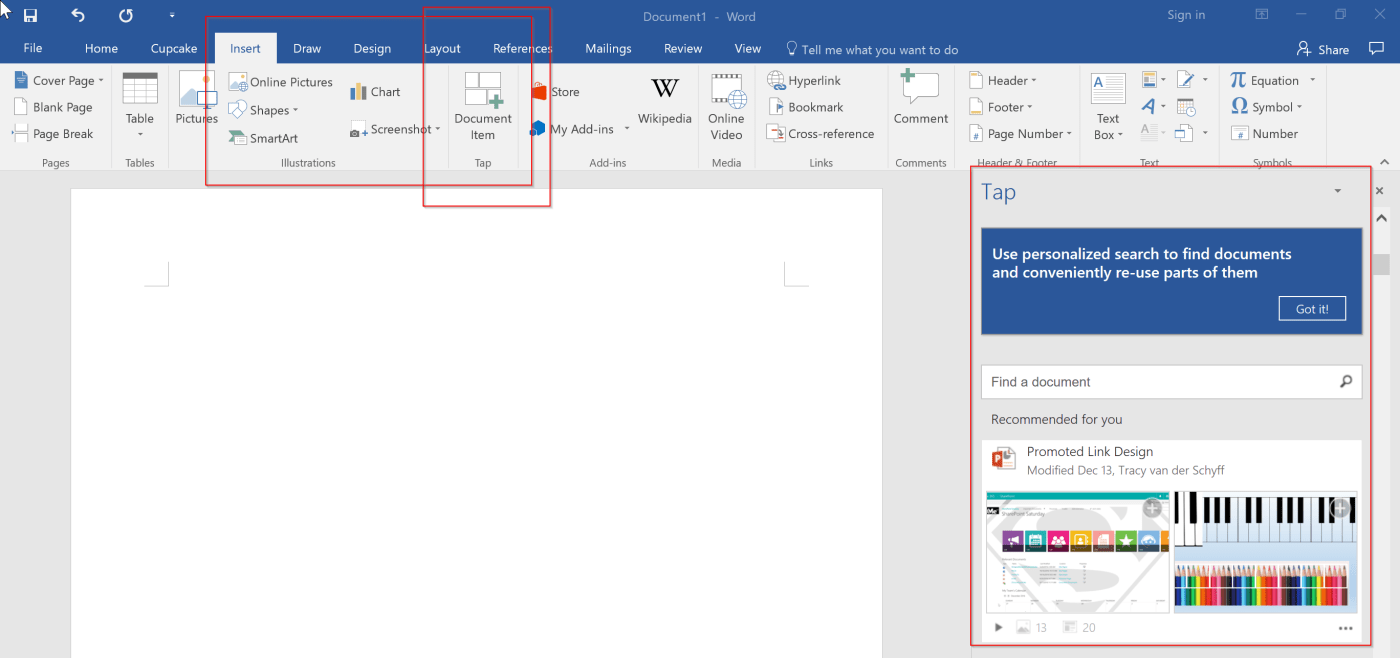
#Office365Challenge Information at your fingertips? Well here you go. Word and Outlook now includes Tap - Insert Document Items which allows you to grab graphics / tables / charts from other office documents, you or colleagues have worked on. Day:... Continue Reading →

