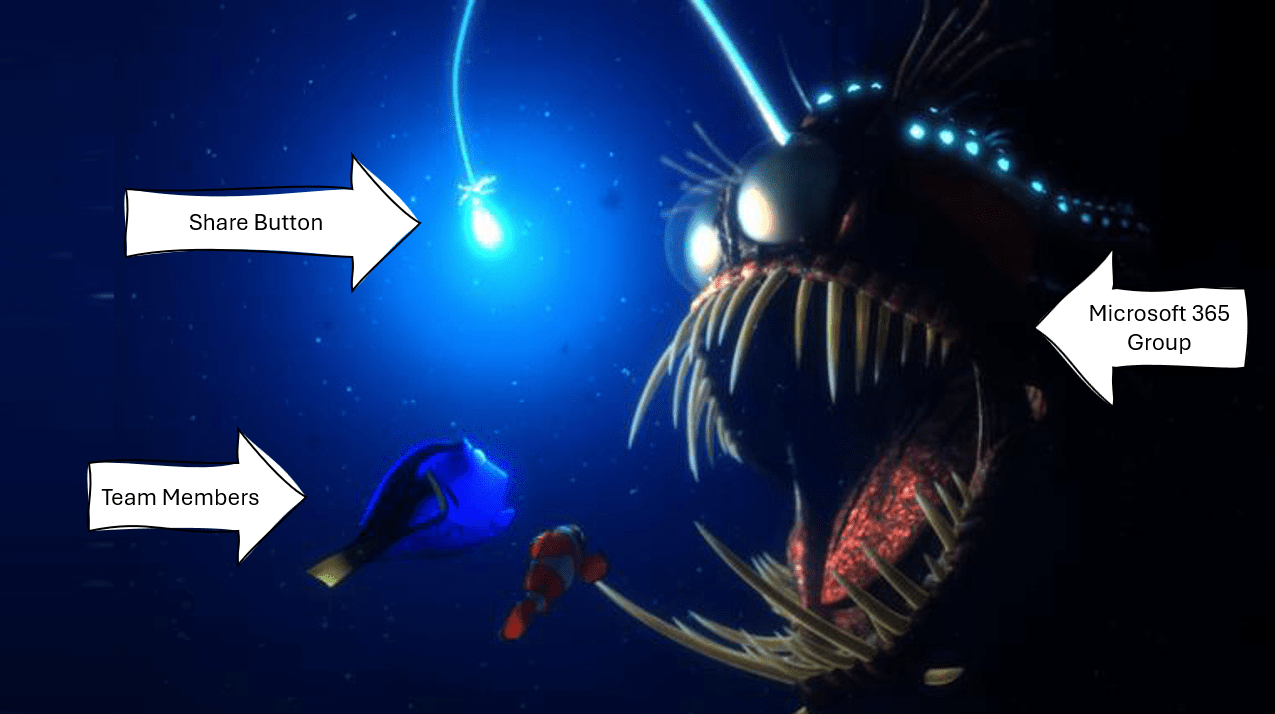
Not that anyone needs a reason to drink, but the permissions in #MicrosoftTeams definitely add to my "Why I drink" list. Now I know that sounds counter-productive, restricting an environment where mature, responsible users should be able to make sound... Continue Reading →
I moved to #Microsoft365 (#Office365) in 2012 and immediately started focusing on learning as much as I could, to enable my clients to do more and be efficient, fully utilizing the platform for what it's intended to deliver. As consultant... Continue Reading →

I'm always surprised by how many people are not aware of the wonderful #Microsoft365 resources available. Especially small companies who do not have the IT / Training resources available will benefit from this. In this video, I'll share those with... Continue Reading →
Excited that I got this sorted out today, and that's to add my company #Intranet, to #MicrosoftTeams as an app. There's a couple of steps you should follow and if you're new to #PowerShell or the SharePoint Online Management Shell,... Continue Reading →

When a Microsoft Team is created, it automatically creates a #OneNote linked to it (added to the #SharePoint site), so when you add a new #OneNote as a Tab - it creates a new OneNote. Also when adding #Planner (Tasks... Continue Reading →

Of all the 2020 Lockdown "resolutions" I had, I did at least achieve some. Getting my #Outlook Inbox down to Zero was something I've wanted to do for years! With #Microsoft365 we got Quick Steps in Outlook which was a... Continue Reading →
 Tracy van der Schyff