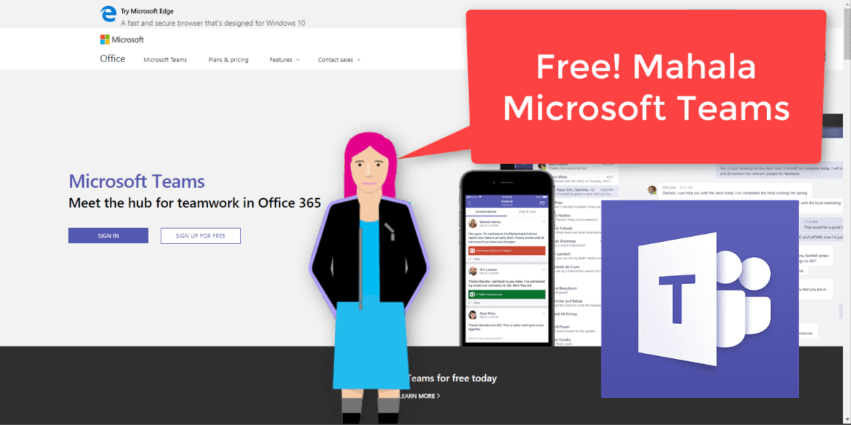
"That’s right, free. As in $0. Work together with features like chat, file sharing, and video calling." It surely is a great day to be alive when #MicrosoftTeams is made available to everyone. That means people without an Office 365... Continue Reading →
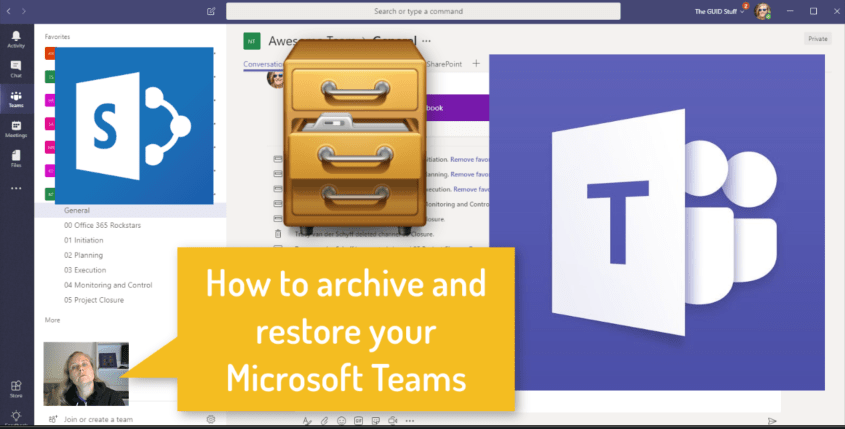
Here's a cool way to "mark a Team" as read only. When a Team is not in use anymore (for example a project has come to end), you can set the Team to Archive. You need to be an owner... Continue Reading →

As you might know by now, your Microsoft Team also has a SharePoint site that sits behind it. To navigate to this is easy. Click on File then on Open in SharePoint. That does confuse some people though as it... Continue Reading →
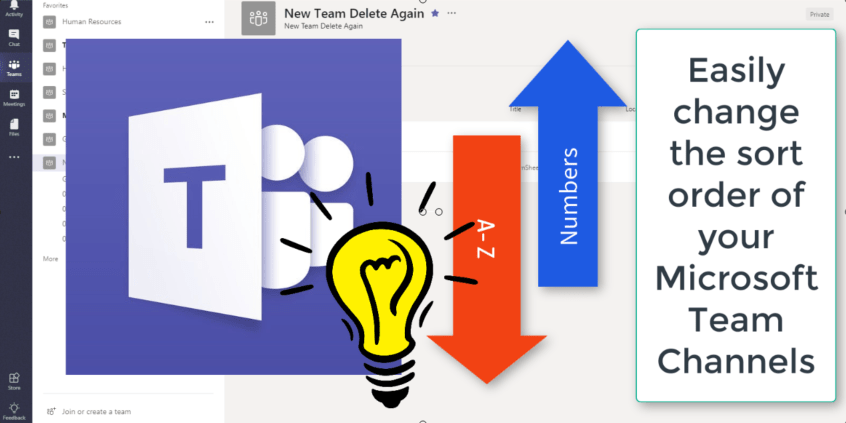
The Channels in #MicrosoftTeams will sort alphabetically, by default. Here's a quick and easy way to change that sort order by using numbers. This is a great tip if you want to use phases of a project or channels that... Continue Reading →
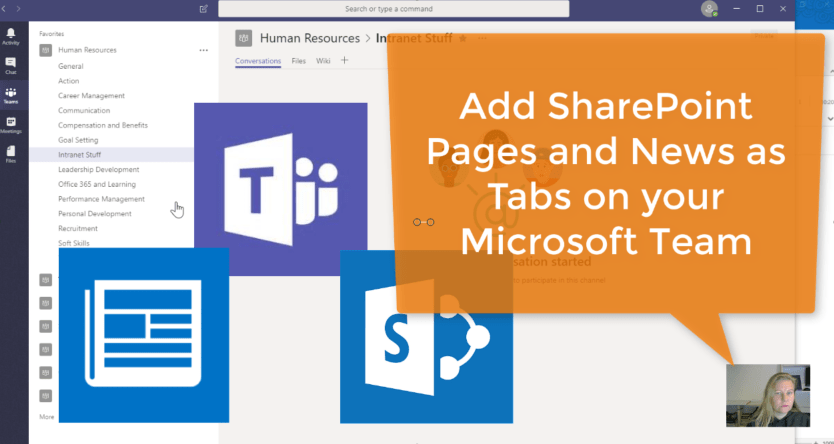
Already added in April 2018, this gives us the ability to add the Home and News pages from our SharePoint Pages. The previous SharePoint Tab only added document libraries. Keep in mind that it only adds from the SharePoint site... Continue Reading →
I always have my mobile with me (of course we all do). The ability to quickly check on tasks in my Plans and assign or edit tasks is great. Stop sending yourself mails, rather use Planner. See how Planner works... Continue Reading →
 Tracy van der Schyff