Compare is a great functionality in Word to help you see the differences between two documents. This really helps a lot when receiving reviewed documents, to quickly scan through and spot the differences. Of course you can use Track Changes... Continue Reading →

#Microsoft365 #Office365 #SharePoint With the amount of information being thrown at us daily – it helps to receive notifications on relevant information. Using Alerts in SharePoint is a great way of achieving that and help you to stop trying to take... Continue Reading →
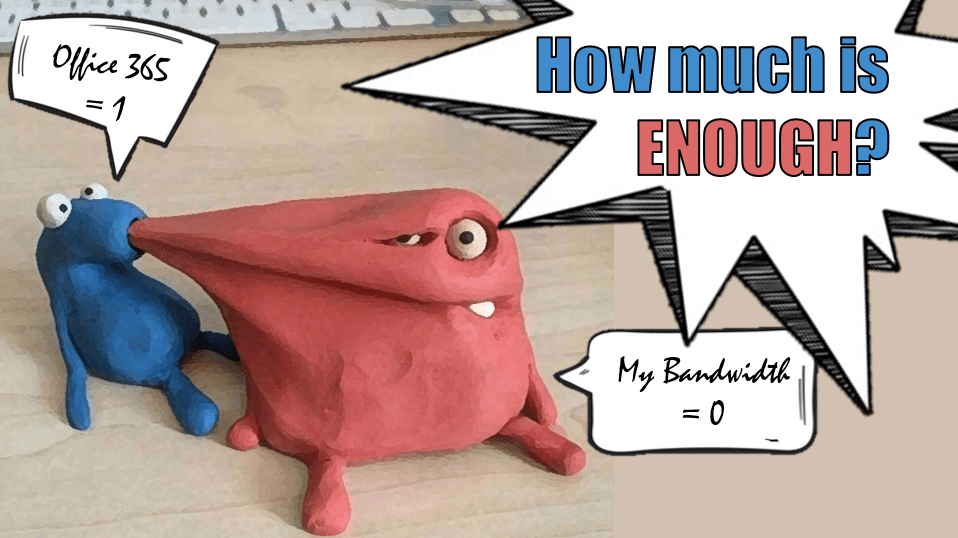
#Microsoft365 #Office365 Whatever they say - you won't have enough - cause you're only human. The more we have the more we want. The faster you become, the faster you want to be. But lets be realistic. How much is enough... Continue Reading →
In this example I'll be creating my own icons for the Quick Links web part in #SharePoint Online. I know you can download icons, but this is so much better and of course so much more fun to do. By... Continue Reading →
Hmmmm super embarressed that I didnt see this until today! Brought into PowerPoint already in 2007, compress picturess allows us to bring the size of the image down (mb). This really helps with page loads on websites and even to... Continue Reading →
Yup, I'm still having fun in PowerPoint. In this 4 min video I'll show you how to use Artistic Effects in #PowerPoint to make changes to images and apply "filters". And nope, this is not part of the latest Office... Continue Reading →
 Tracy van der Schyff