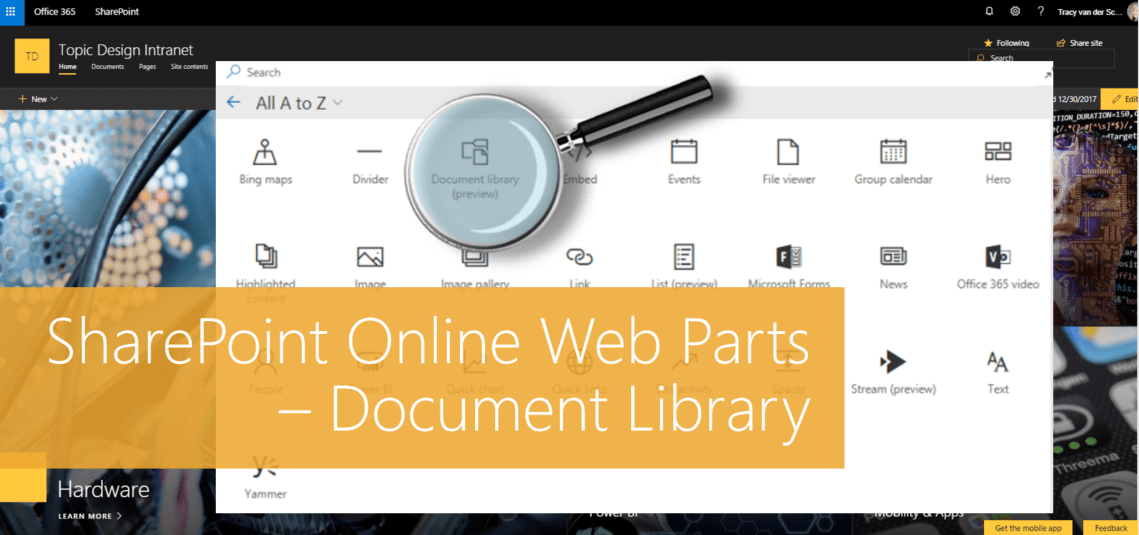
#Microsoft365 #Office365 #SharePoint - I'll be doing a write-up of the different web parts available for modern pages in SharePoint Online. Here's the Document Library Web Part. For previous posts in my #Microsoft365Challenge go to the index page. DISCLAIMER: I WRITE ARTICLES ABOUT... Continue Reading →
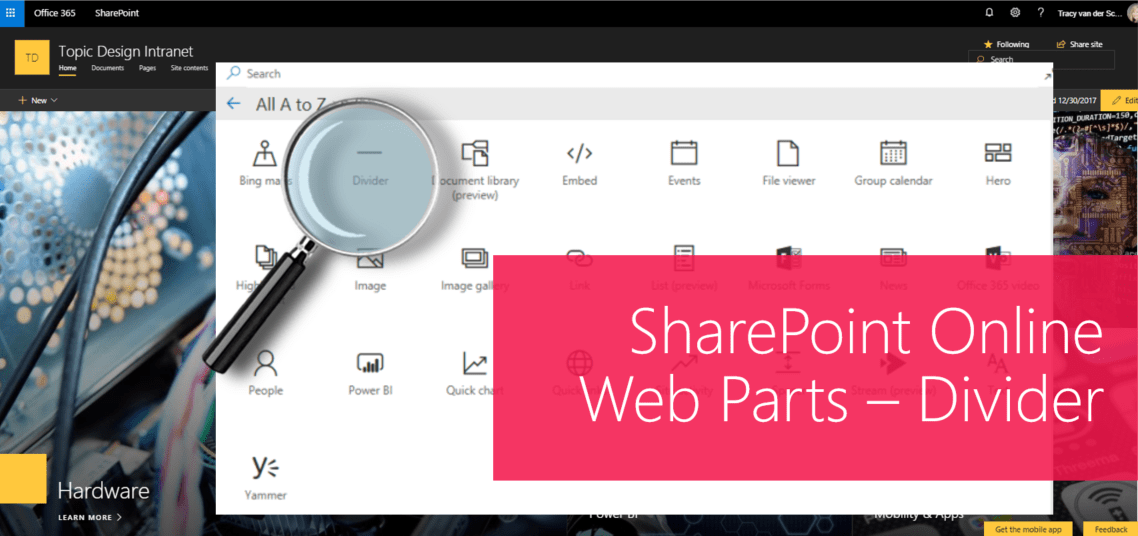
#Microsoft365 #Office365 #SharePoint - I'll be doing a write-up of the different web parts available for modern pages in SharePoint Online. Let's take a look at the Divider Web Part. For previous posts in my #Microsoft365Challenge go to the index page. DISCLAIMER: I... Continue Reading →
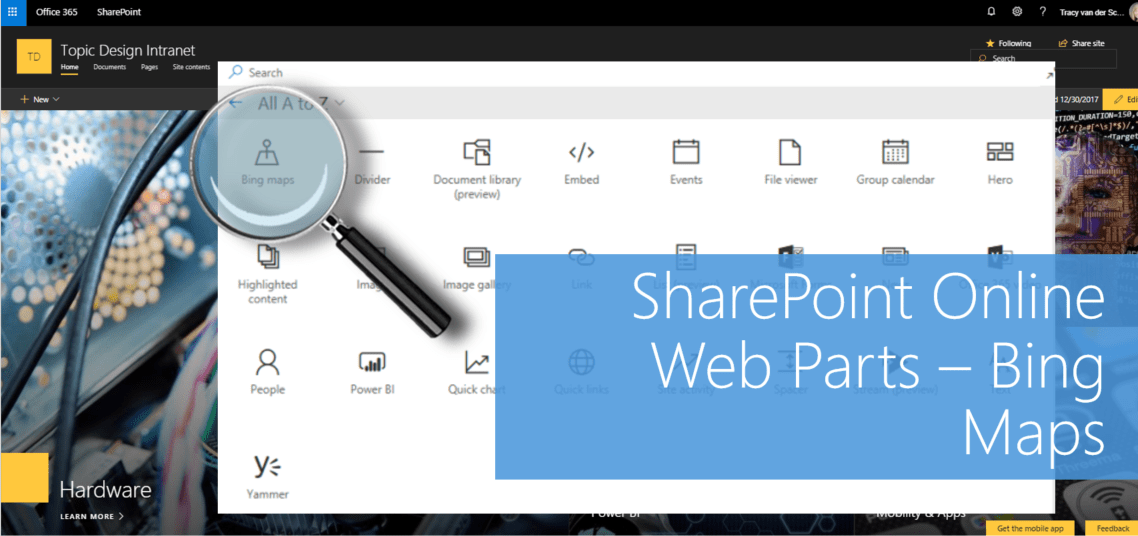
#Microsoft365 #Office365 #SharePoint - I'll be doing a write-up of the different web parts available for modern pages in SharePoint Online. Today we'll take a look at adding and configuring Bing Maps. For previous posts in my #Microsoft365Challenge go to the index page.... Continue Reading →

#Microsoft365 #Office365 #SharePoint - It truly is one of the sexiest web parts released for SharePoint in a loooooonnnnnggggg time. Seriously overdue, but thanks Microsoft. So let's take a look at how to make the most of your Hero Web Part,... Continue Reading →
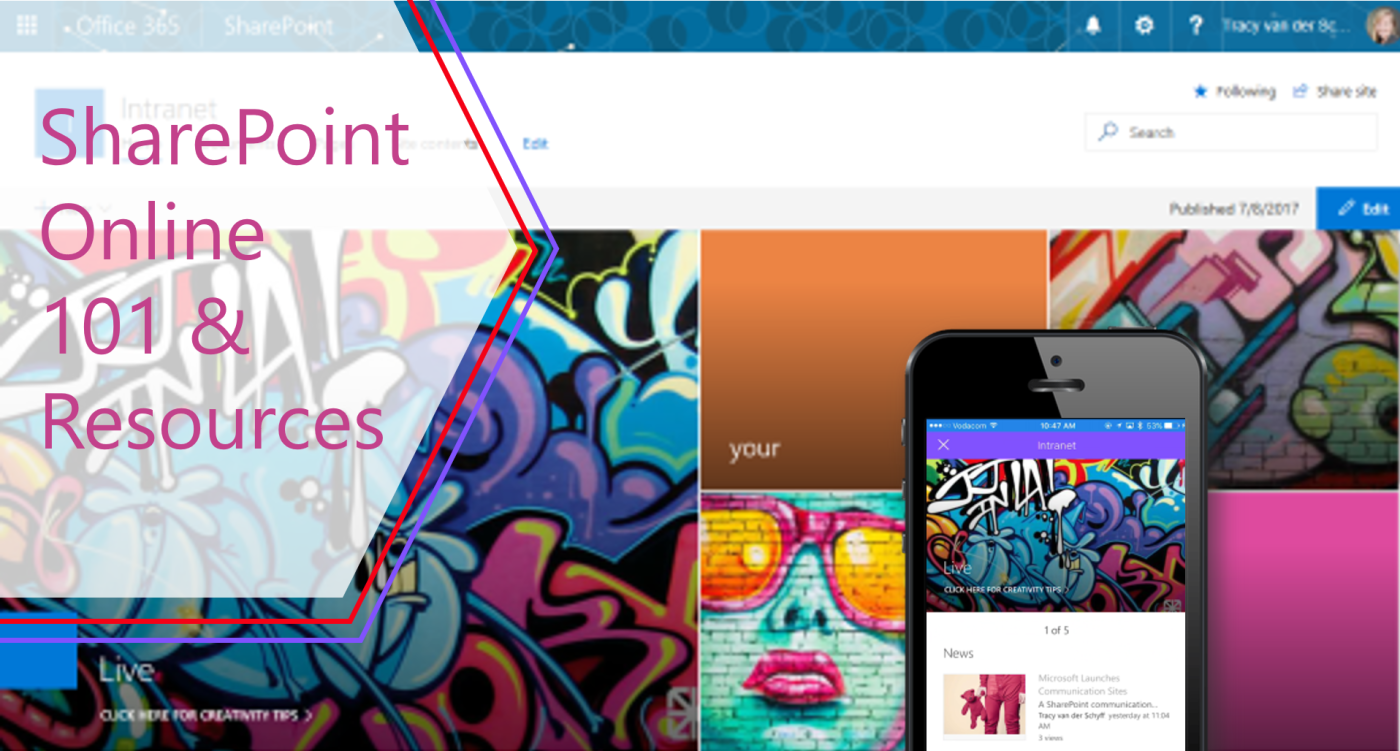
#Microsoft365 - SharePoint is a central place to store, share & collaborate on content AND so much more. This blog will give you a great overview and hopefully convince you to take the leap to greater productivity. For previous posts... Continue Reading →
#Office365Challenge While we're on web parts, let's chat about applying target audience on Lists and Libraries - and the items in them. Day: 200 of 365, 165 left Tools: SharePoint Description: Target Audience on Lists or Libraries Target Audience allows you to... Continue Reading →
 Tracy van der Schyff