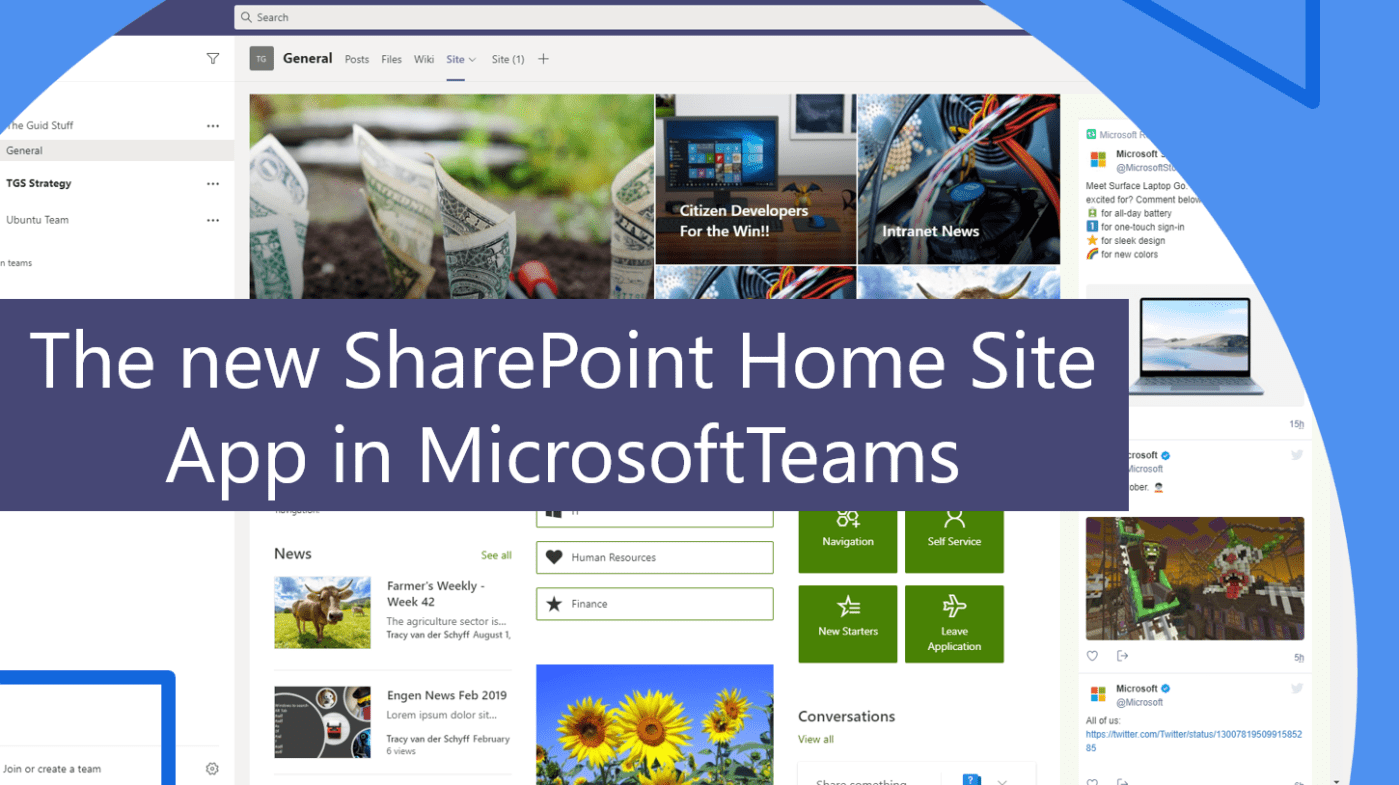
The new #SharePoint Home Site App for #MicrosoftTeams will be rolling out from March 2021. It will be a great tool to help with user adoption of #Intranets. I've been adding my Intranets to Microsoft Teams for a while and... Continue Reading →
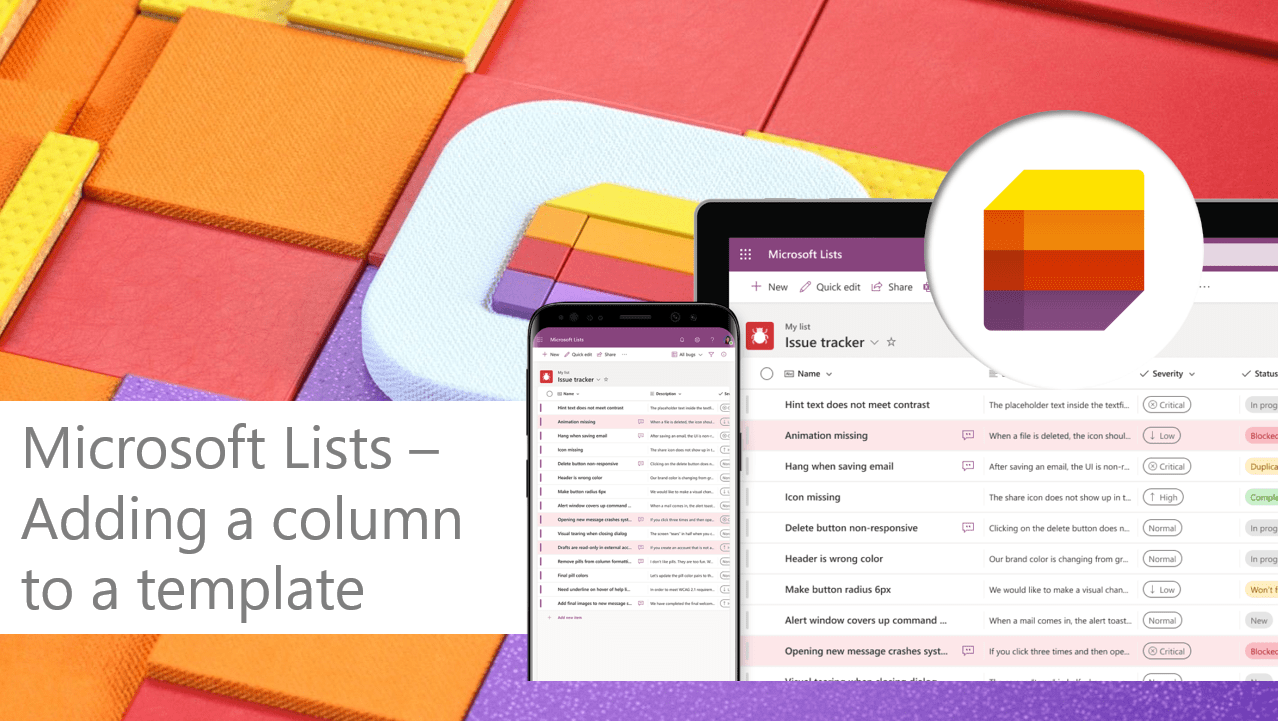
Today I played around with #MicrosoftList (s). In the short video I'll show you how to create one from a template, how to add a column to that template and also how to switch on the versioning in #SharePoint. I... Continue Reading →

In this video I'll show how to use the brand new "Useful Links" web part in #SharePoint online. It has groupings and uses Fluent UI Icons which are super easy to grab and use. #Office365 #Microsoft365. Important Note: It seems... Continue Reading →
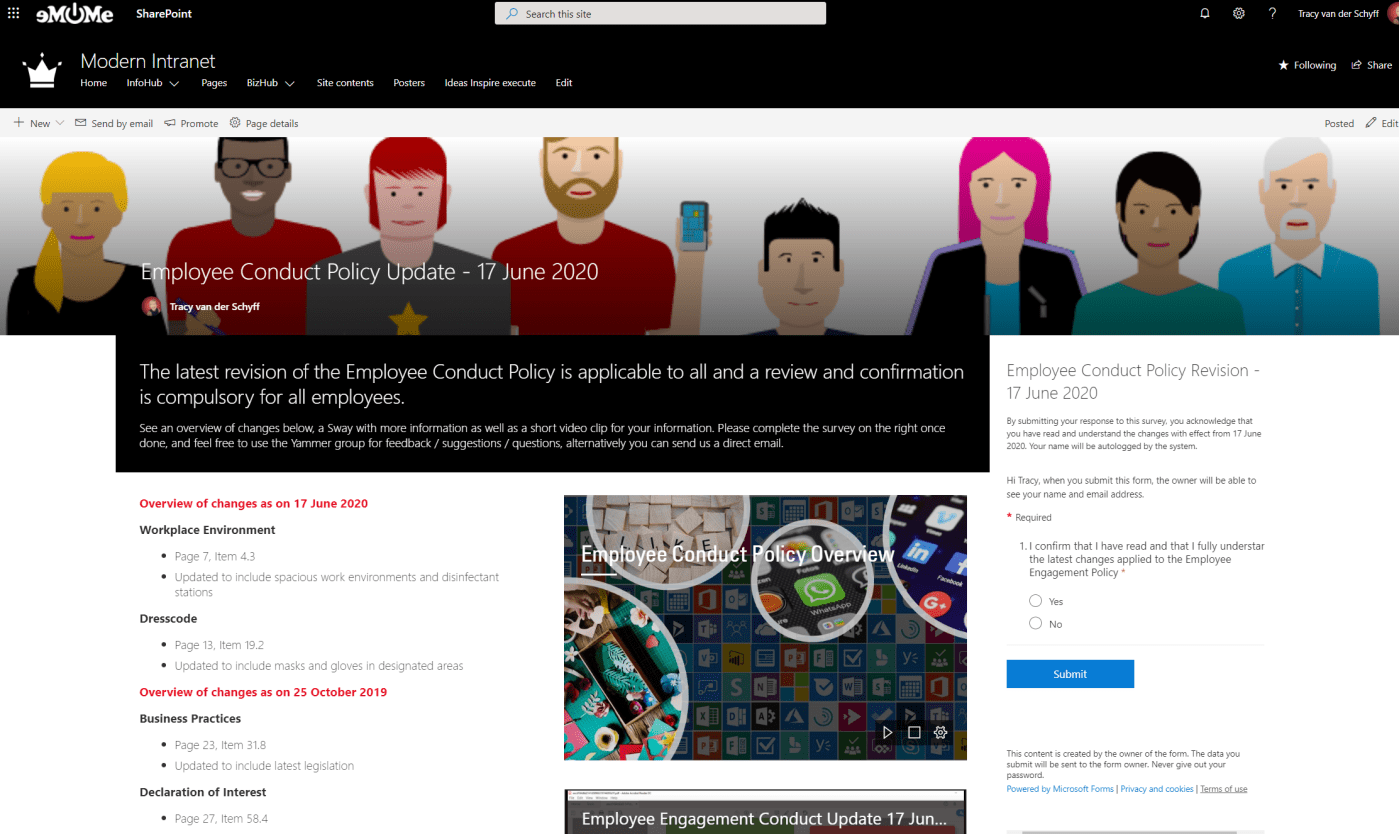
In this video I'll show you how to communicate changes to policies or company objectives using #SharePoint online, the File Viewer Web Part, #Yammer, #MicrosoftStream, #MicrosoftSway and #MicrosoftForms. The Forms allows us to get 'sign off' as acceptance from employees... Continue Reading →

Perhaps you've been working on a file every day and something goes wrong, or someone accidentally deleted the file? Let me show you how to restore previous versions of the file or even restore a deleted copy of the file... Continue Reading →
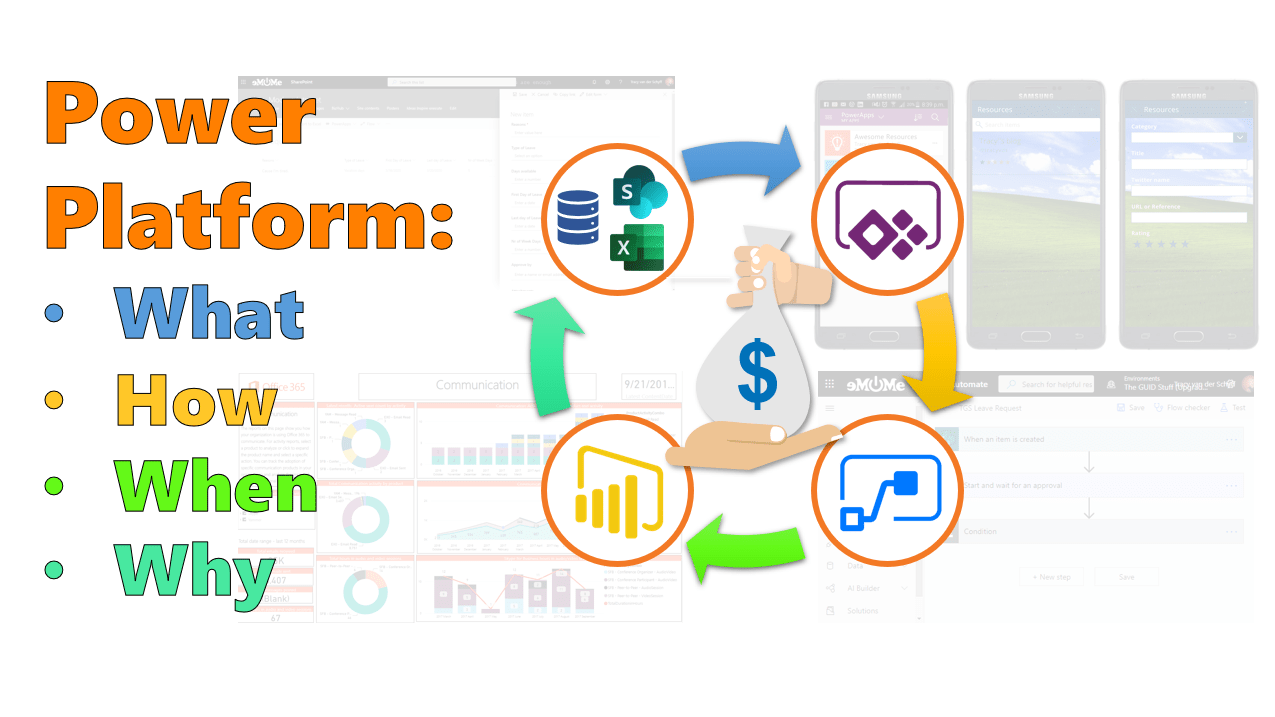
Perhaps I should have written this at the beginning of my #PowerPlatform challenge, but I do put the "human" in "HumansofIT" and sometimes I assume. I've had people again ask when to use #PowerBi vs #PowerApps (for example) and decided... Continue Reading →
 Tracy van der Schyff