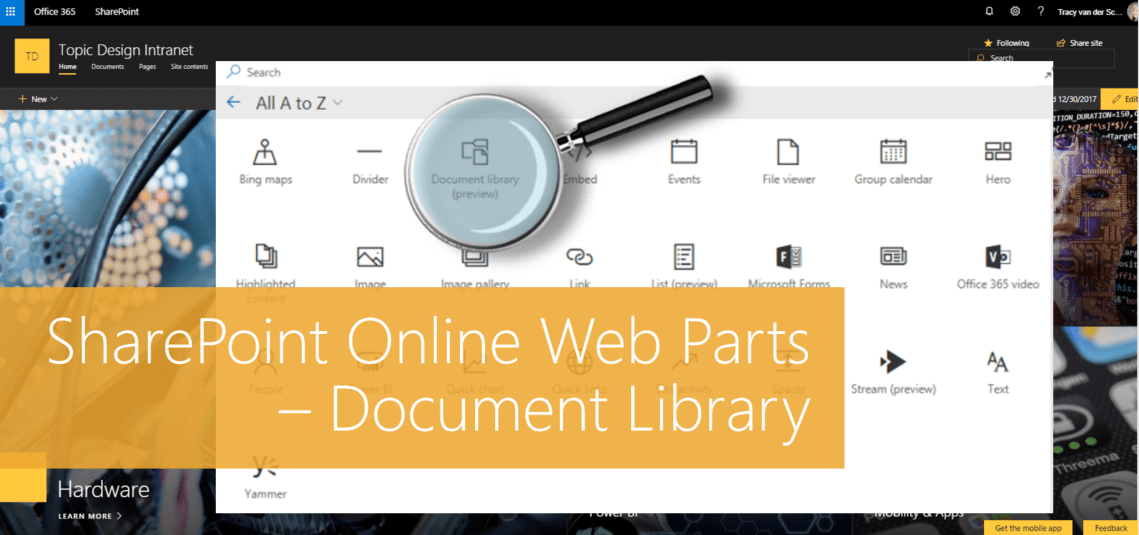
#Microsoft365 #Office365 #SharePoint - I'll be doing a write-up of the different web parts available for modern pages in SharePoint Online. Here's the Document Library Web Part. For previous posts in my #Microsoft365Challenge go to the index page. DISCLAIMER: I WRITE ARTICLES ABOUT... Continue Reading →
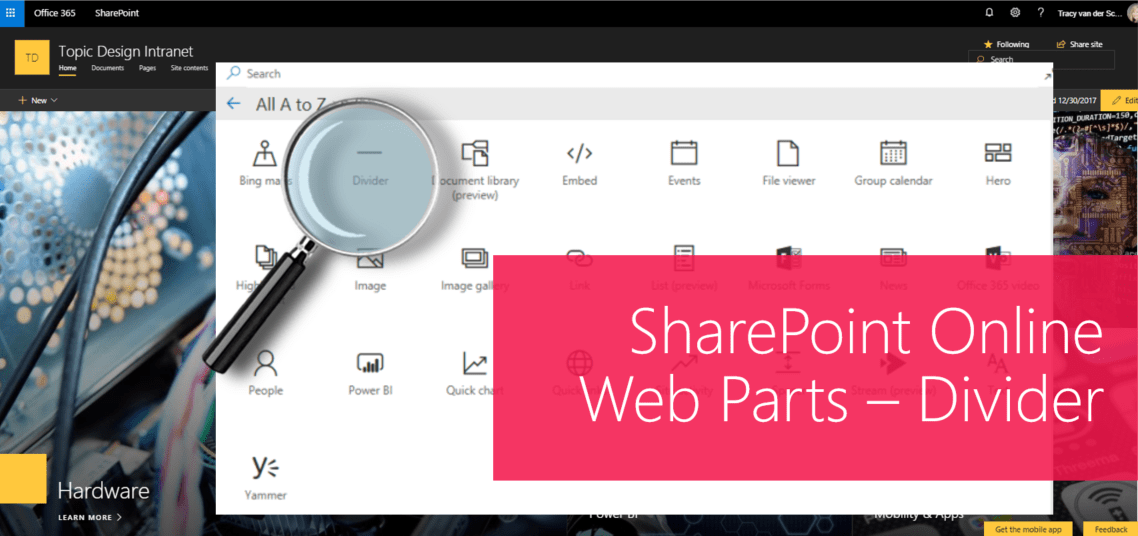
#Microsoft365 #Office365 #SharePoint - I'll be doing a write-up of the different web parts available for modern pages in SharePoint Online. Let's take a look at the Divider Web Part. For previous posts in my #Microsoft365Challenge go to the index page. DISCLAIMER: I... Continue Reading →
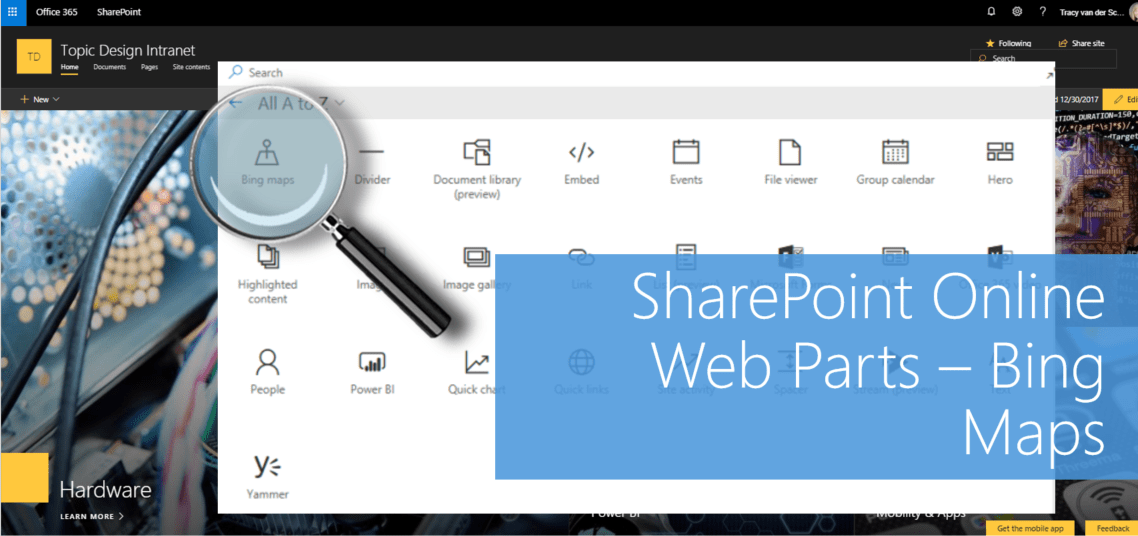
#Microsoft365 #Office365 #SharePoint - I'll be doing a write-up of the different web parts available for modern pages in SharePoint Online. Today we'll take a look at adding and configuring Bing Maps. For previous posts in my #Microsoft365Challenge go to the index page.... Continue Reading →

#Microsoft365 #Office365 - The new #SharePoint Communication site templates are beautiful and responsive, but it requires a bit of planning / design to get your layout just perfect. Adding all the web parts below each other is boring to say... Continue Reading →

#Microsoft365 #Office365 #SharePoint - This is a power user introduction to pages and web parts. I will talk about the pages in the SharePoint Online Communication Site templates and the web parts available. I will not be talking about master... Continue Reading →

#Office365Challenge - 6 Days to Go - So the Announcement list has an "Expires Column". That solves everything right? Nope. If you add this list to your landing page it will still show all items, regardless of whether they have "expired"... Continue Reading →
 Tracy van der Schyff