The Microsoft 365 Copilot Help & Learning portal is Microsoft’s official, central hub designed to help users discover, learn, personalize, and master Copilot across Microsoft 365 apps. It brings together tutorials, videos, feature guides, prompt examples, learning paths, and admin resources in one place.
Before we begin:
I’m incredibly passionate about sharing resources, and it’s no surprise that my most‑read blog posts are the ones that surface useful tools and information that already exist publicly. If you’ve ever wondered why someone would write a blog that simply resurfaces content, remember: it’s not for the people who already know where to look. It’s for the people who don’t.
If you’re in IT, this kind of knowledge is part of your everyday world. But if you’re someone like Sarah from HR, it’s a completely different story. She may not know what to search for, what things are called, or where they live.
The lesson? Never assume everyone knows what you know. And never, ever stop sharing what helps others.
The portal is designed as Microsoft’s central knowledge hub where users, admins, trainers, and leaders can learn how to use Copilot effectively and responsibly across Microsoft 365. Microsoft 365 Copilot Help & Learning Portal
Below is a detailed look at every major section.
Ready to Try Copilot? Start Here:
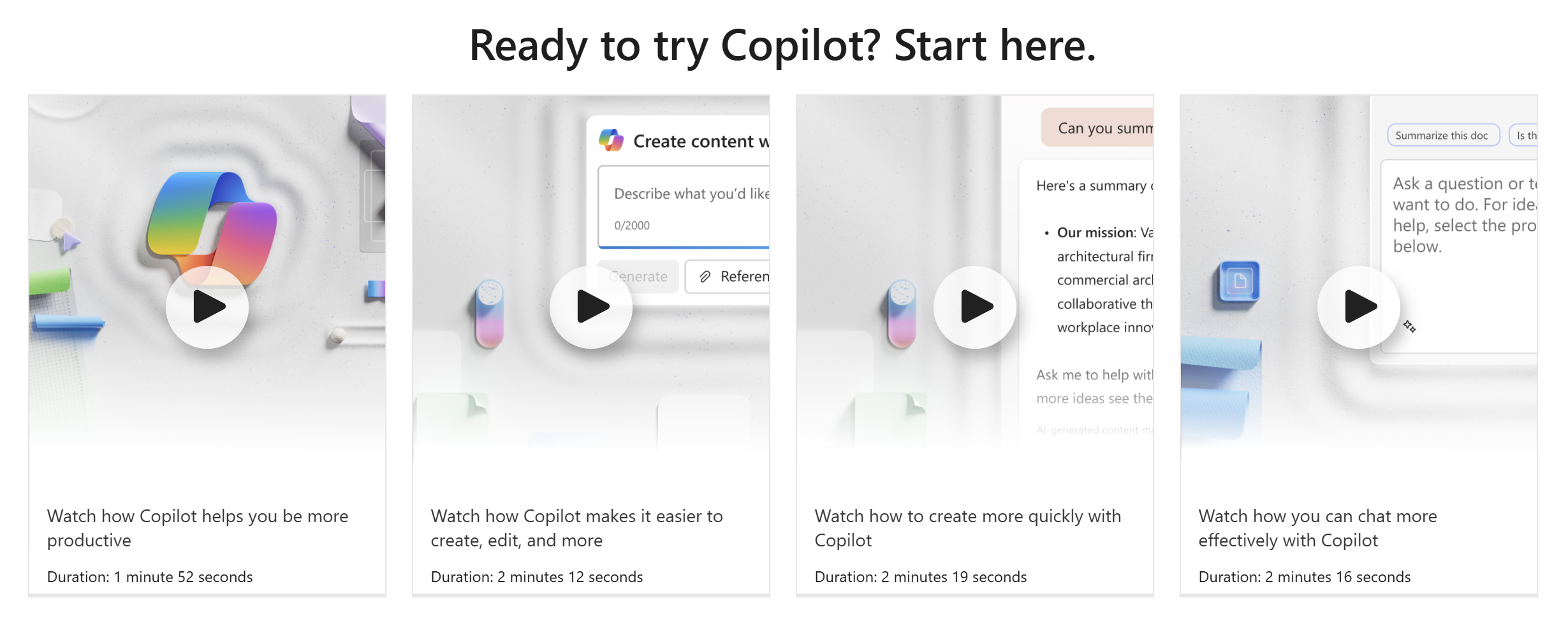
What this section includes
- Short introductory videos (1–3 minutes each) demonstrating how Copilot helps with productivity, content creation, and communication.
- Quick-start guidance explaining what Copilot can and cannot do.
Why it matters
This section is ideal for onboarding new users and breaking down initial resistance to AI. The videos show real workflows, such as:
- Using chat to ask questions
- Drafting content faster
- Editing existing text
- Summarizing information
Discover Copilot in Microsoft 365 Apps:
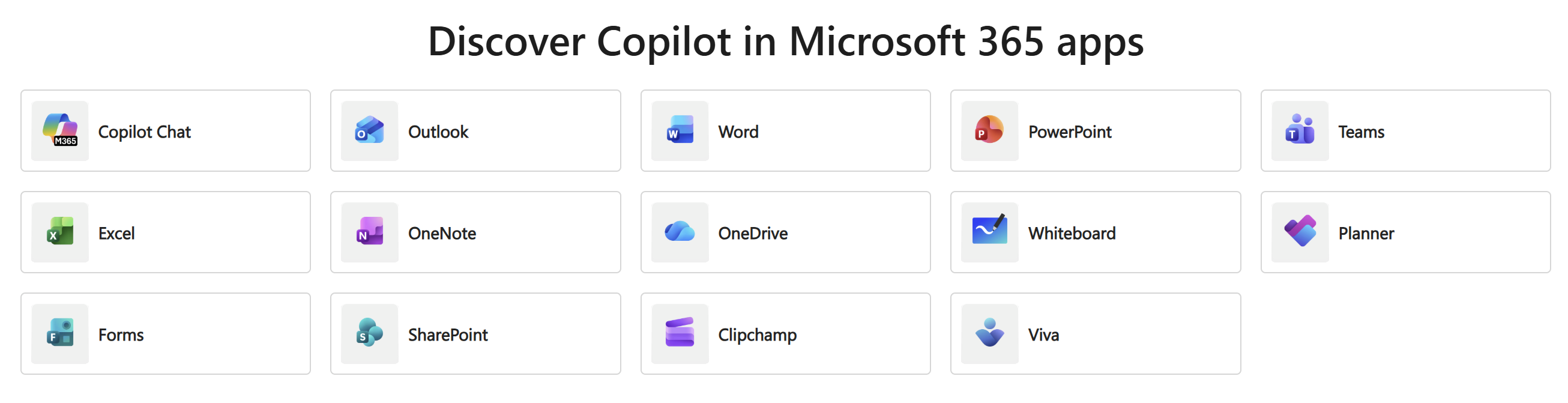
Microsoft provides individual learning sections for each app Copilot supports, including:
- Copilot Chat
- Word
- Excel
- PowerPoint
- Outlook
- Teams
- OneNote
- OneDrive
- Whiteboard
- SharePoint
- Clipchamp
- Planner
- Forms
- Viva
What each app page includes
- Feature overviews
- Step-by-step tutorials
- Real examples of how Copilot works inside that app
- Tips for common scenarios
Why it matters
Different teams use different apps: Finance loves Excel, HR might rely on Word and Outlook, marketing uses PowerPoint and Clipchamp. This section ensures all departments can learn AI through the lens of their own daily tools.
Make AI for every part of your workday:
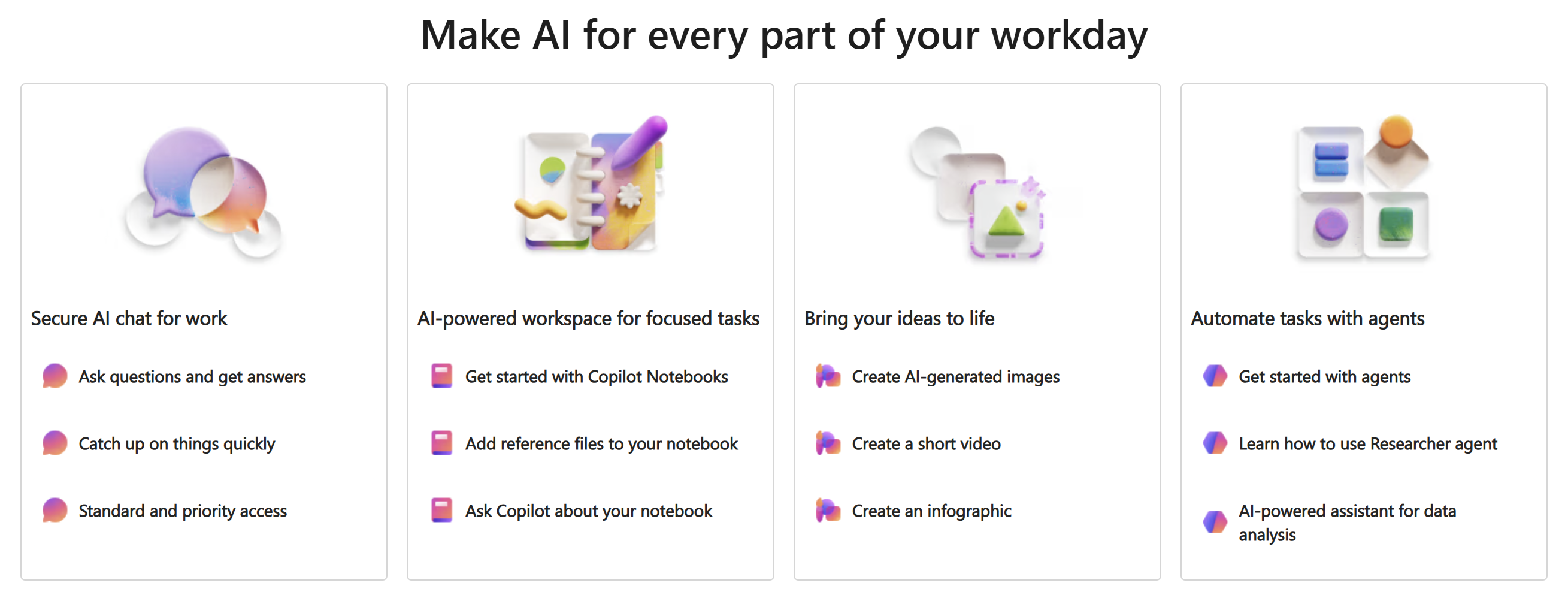
The “Make AI for every part of your workday” section of the Microsoft 365 Copilot Help & Learning Portal focuses on showing users how Copilot can support all aspects of their workflow — from communication, document creation, and analysis to creativity, planning, summarization, and automation.
This section is intentionally practical: it teaches employees how AI fits into real daily routines, not just how the tools work. It connects Copilot directly to the rhythm of a typical business day.
The Art of Prompting:
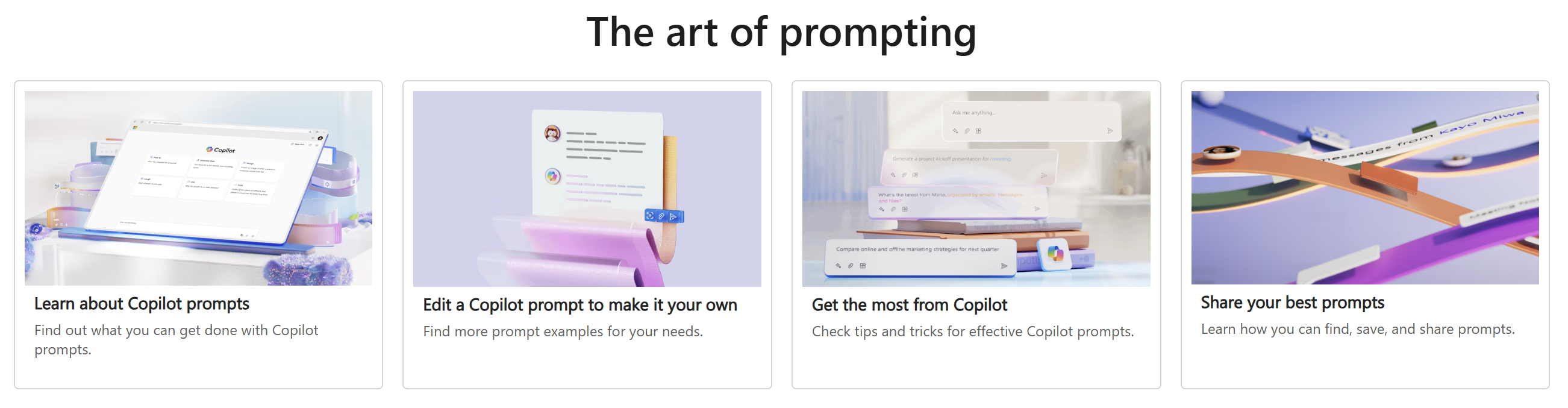
“The art of prompting” teaches users the skills they need to communicate effectively with AI. Microsoft emphasizes that Copilot becomes dramatically more useful when users understand how to guide it — just like giving clear instructions to a human colleague.
This part establishes the basics:
A prompt = instructions you give Copilot
Microsoft describes a prompt as:
- A question
- A request
- A piece of context
- An instruction
- Or a combination of the above
Prompts direct Copilot’s behavior, tone, structure, and output quality.
Why this is foundational
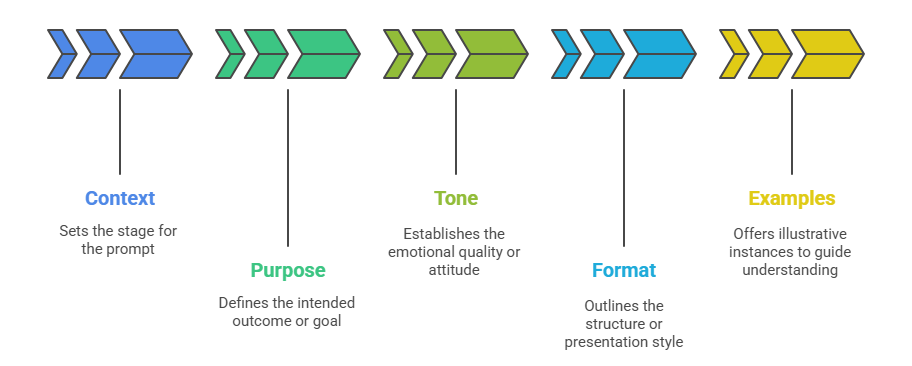
Users often assume that short, vague questions will yield accurate results — but Copilot improves significantly when prompts contain:
- Context
- Purpose
- Tone
- Format
- Examples
This is where the “art” comes in.
Copilot and Your Privacy:
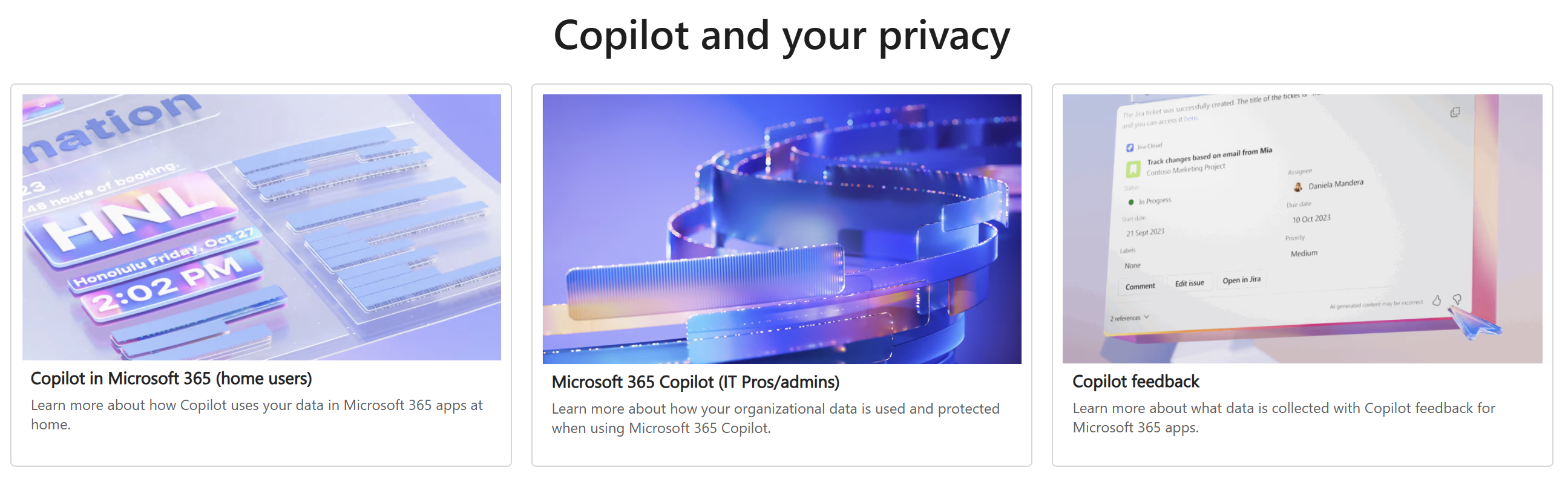
The “Copilot and your privacy” section exists to help users, admins, and organizations understand exactly how Microsoft 365 Copilot handles data, where boundaries exist, how information is protected, and what controls the organization retains.
This is one of the most important sections of the entire Help & Learning Portal because trust is a foundational requirement for AI adoption. Microsoft emphasizes transparency, control, and enterprise-grade security to ensure Copilot aligns with organizational compliance standards.
This section consists of three major subsections:
- Privacy for home users
- Privacy for Microsoft 365 business & enterprise environments
- Understanding Copilot feedback data
Copilot for everyone:
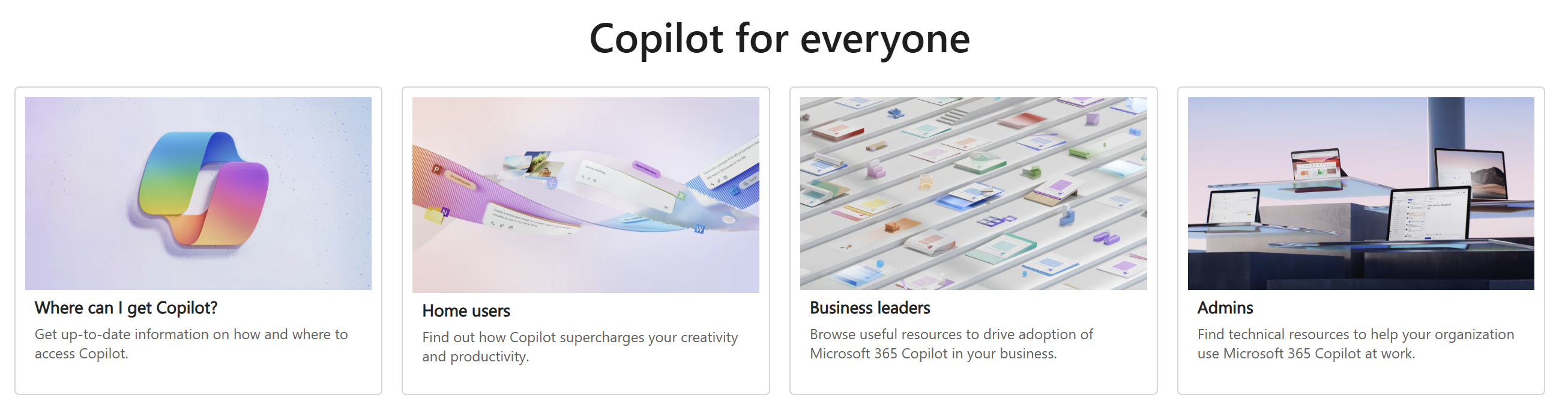
The “Copilot for everyone” section is designed to help individuals and organizations understand who Copilot is for, where it can be accessed, and how different audiences can get the most value out of it.
Microsoft organizes this section into three role‑based pathways:
- Home Users
- Business Leaders
- Admins (IT Professionals)
Each group gets its own tailored guidance, resources, and learning materials — making this one of the most useful parts of the Help & Learning Portal for adoption, onboarding, and organizational planning.
Technical Training and Additional Resources:
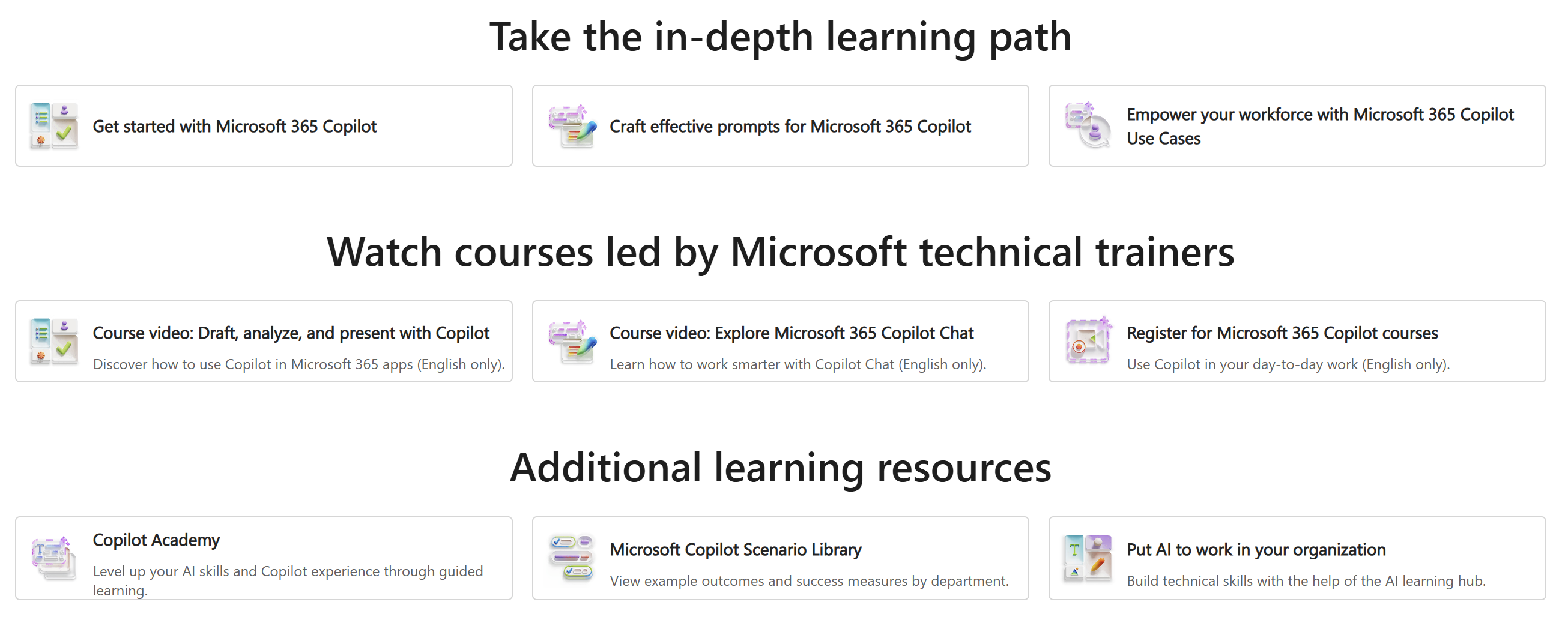
The In‑Depth Learning Path section provides structured, progressive training designed to help users build real AI skills — not just feature awareness. It serves as a guided curriculum that takes learners from the basics of Copilot through to advanced prompt engineering and organizational enablement.
This Courses section contains instructor-led video courses delivered by official Microsoft trainers — providing hands-on demonstrations, expert tips, and scenario-based learning.
This Additional Learning Resources part of the portal provides advanced, optional, and supplemental materials for users and teams who want to go deeper or explore specialized AI scenarios.
Other Copilot Resources:
Copilot Success Kit:
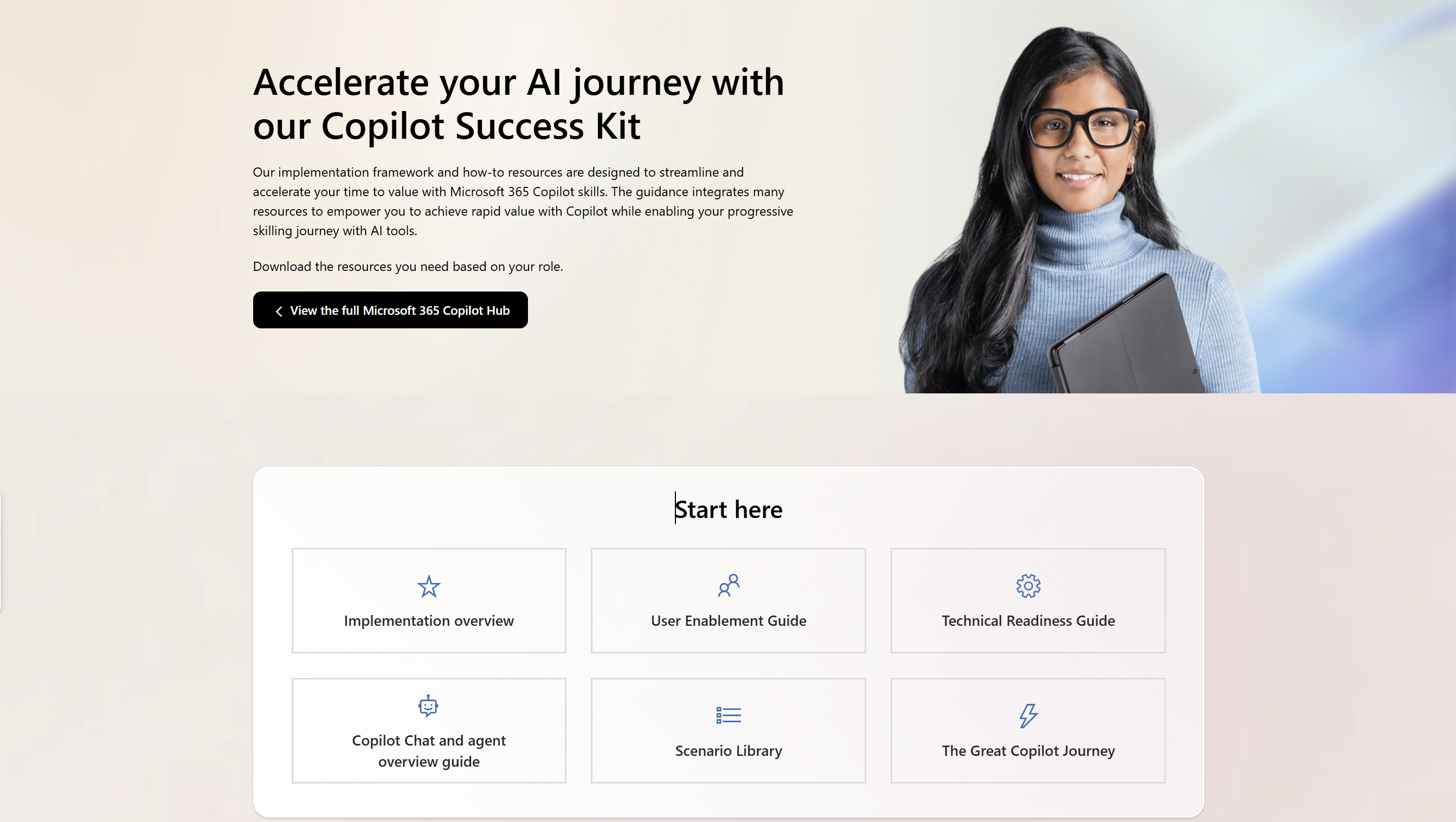
The Copilot Success Kit is a comprehensive collection of resources designed to help organizations plan, deploy, adopt, and scale Microsoft 365 Copilot and Copilot Chat across the business. Copilot Success Kit
Microsoft 365 Copilot Hub:
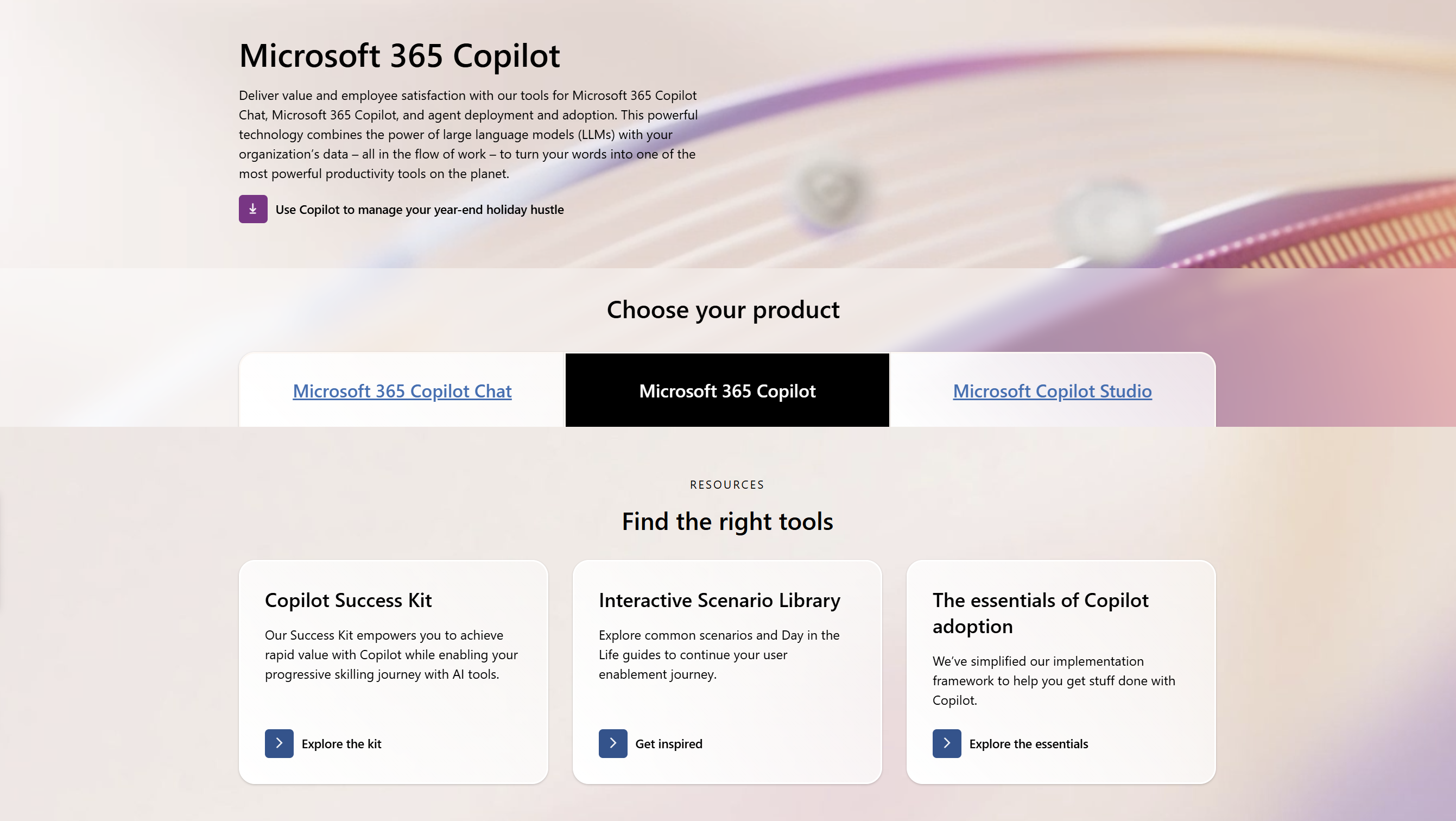
The Microsoft 365 Copilot Hub is Microsoft’s central, all‑in‑one destination designed to help organizations deploy, adopt, govern, and get value from Microsoft 365 Copilot.
It brings all Copilot resources together in one place, simplifying the entire journey from readiness to user enablement. The Copilot Hub exists to help organizations succeed with Copilot — technically, strategically, and culturally. Microsoft 365 Copilot Hub
In the next article we’ll explore Copilot Agents and tips on writing great prompts.
Resources:
- Copilot Prompt Gallery
- Microsoft 365 Copilot help & learning
- Accelerate your AI journey with our Copilot Success Kit
- Microsoft 365 Copilot Hub
- Copilot Success Kit
Other recent Copilot related blogs I’ve written:
- From Burnout to Balance: My Journey with Microsoft Copilot
- Prompt Like a Pro: Exploring the Purpose of the Copilot Prompt Gallery
- The Prompt Gallery Playbook: Level Up Your Copilot Skills
“Build confidence, boost creativity, and let Copilot do the heavy lifting. Your journey from beginner to brilliant starts with one good prompt.”
Contact me:
Do you need help with your #Microsoft365 #Copilot journey? Contact me.
Please DO NOT contact me to publish blogs on your behalf, advertise on my site, endorse your product or solve a problem you have (that could have been solved by posting on an online forum). As part of the #Micosoft365 #Copilot #Community, we work really hard on content and support that we give back to you, for free – because we really do care. You are always welcome to leave (relevant) comments on my blogs / videos, and I’ll respond, as this way, others also get value from it.
Stay awesome, keep learning, help others.

 Tracy van der Schyff
Leave a Reply