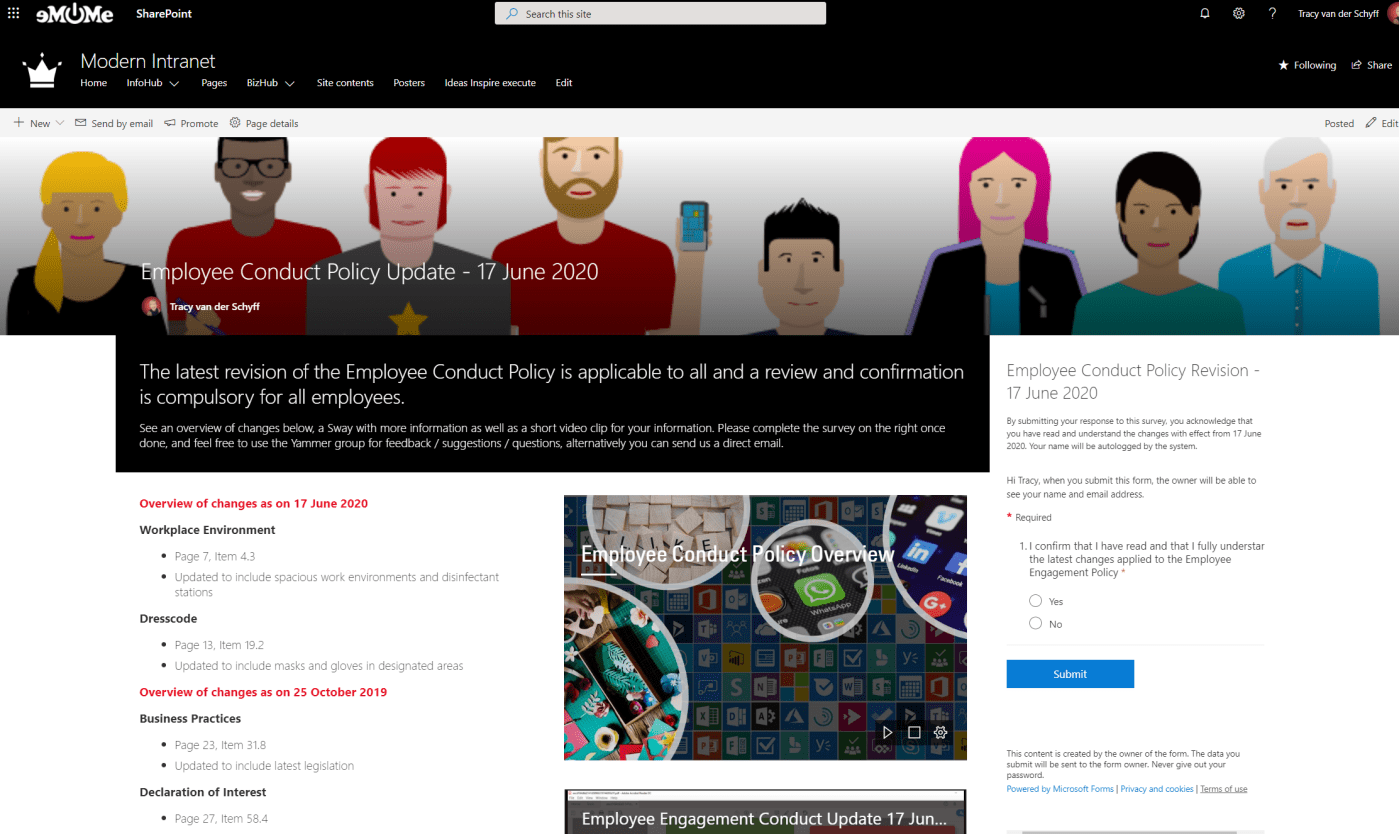
In this video I'll show you how to communicate changes to policies or company objectives using #SharePoint online, the File Viewer Web Part, #Yammer, #MicrosoftStream, #MicrosoftSway and #MicrosoftForms. The Forms allows us to get 'sign off' as acceptance from employees... Continue Reading →

By now you should know how amazing #MicrosoftTeams is. But have you figured out how to change your custom background into your own chosen image? Let me show you how easy that can be! First use the functionality You have... Continue Reading →

#MicrosoftTeams Live Events are AMAZING!! I've delivered my second webinar and honestly, it couldn't be easier. Even when running it on your own as Organizer/Producer and Presenter. Let me show you what I've figured out. #Office365 #Microsoft365 #Webinars For a... Continue Reading →
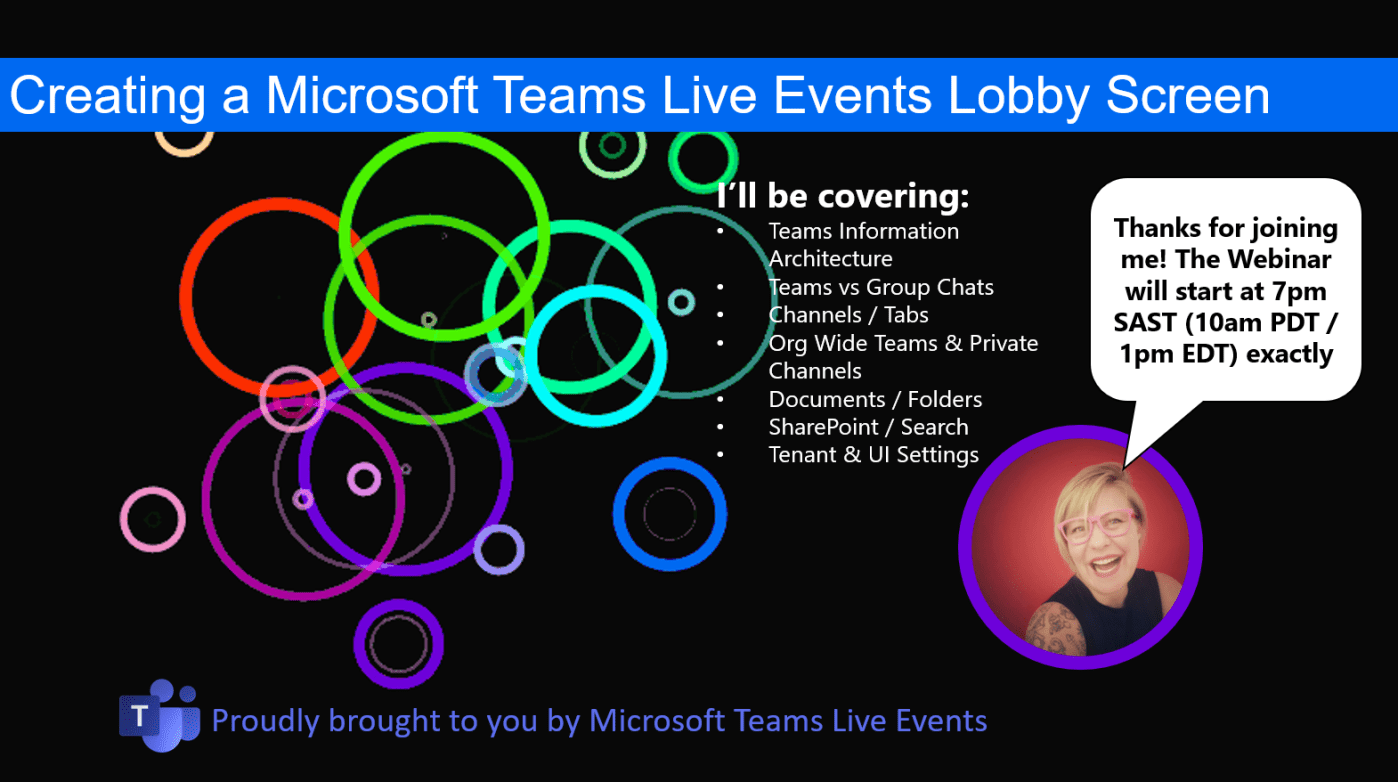
Here's a quick tip on creating a "lobby waiting screen" for your #MicrosoftTeams Live Event (webinar). https://youtu.be/yVEzXqiW7_k Voila! Hope you're enjoying using Teams Live Events as much as I do 🙂 Moving to the Cloud or stuck somewhere without... Continue Reading →

Perhaps you've been working on a file every day and something goes wrong, or someone accidentally deleted the file? Let me show you how to restore previous versions of the file or even restore a deleted copy of the file... Continue Reading →
In the previous blog we created a #PowerAutomate to show created tasks from #Planner in a channel in #MicrosoftTeams. Today we'll look at showing the correct display names by using an expression in a variable and the Get User Profile... Continue Reading →
 Tracy van der Schyff