#Office365Challenge I've seen a couple of tweets about the bullet points not working in PowerPoint Designer. I've tried, tried and tried again (maybe an update has come through) and Voila - I got it working. Day: 325 of 365, 40 left Tools:... Continue Reading →

#Office365Challenge Yes, yes... "Can you make it Pop?" is one of those Designer nightmare requests. I'm just kidding of course, but PowerPoint Designer really does make it "Pop". Day: 324 of 365, 41 left Tools: Office 365, Office 2016, PowerPoint Description: Using PowerPoint Designer... Continue Reading →

#Office365Challenge What a great idea! Help-me-draw (straight). Because let's face it, we're not all Pablo Picassos, or wait, maybe we are. We're not all architects - and what I'm referring to is drawing straight lines and shapes. This post will... Continue Reading →
#Office365Challenge The ability to save Word documents as PDF's as been around for many years, also sharing a Word document via email (directly from Word). Now you can share a Word document as a PDF via email - directly from... Continue Reading →
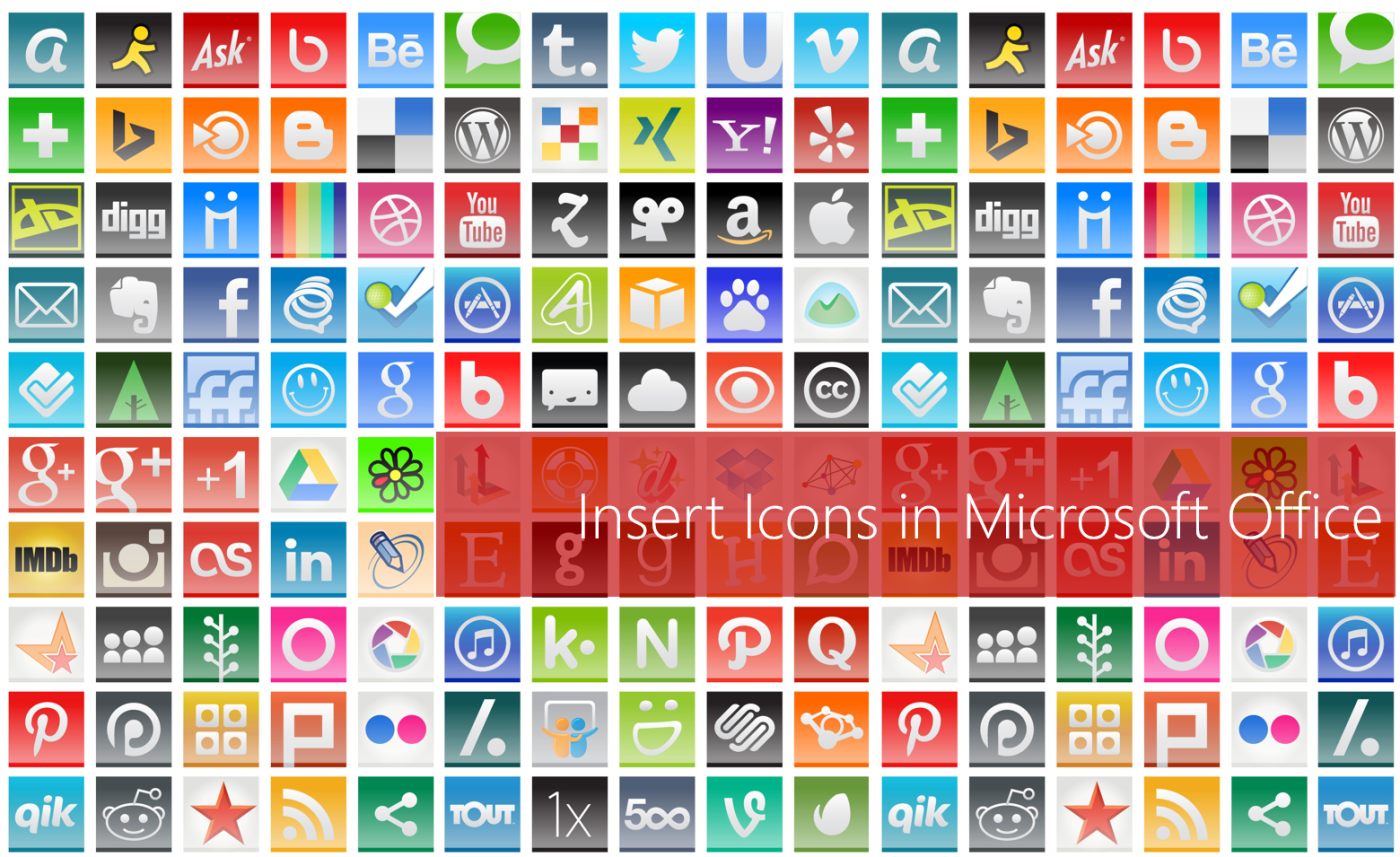
#Office365Challenge For someone who's had to create most of her own icons - this is a great new feature. Sure to save a lot of time when creating presentations and other content. Day: 321 of 365, 44 left Tools: Office 365, Office 2016... Continue Reading →
#Office365Challenge You might have noticed "Tell me what you want to do" in Office 2016, and you think it's just a new name for Help. You are so wrong! Let's try it out. Day: 320 of 365, 45 left Tools: Office 365, Word,... Continue Reading →
 Tracy van der Schyff