
We've seen so many blogs on running online conferences, but what about the hundreds of thousands of people attending conferences? How are you dealing with the information overload, when "taking a sip from the fire hydrant" so to speak? In... Continue Reading →

This is not a recap blog as I sadly couldn't attend any sessions at #Microsoft #MSIgnite. I did however make notes of resources as it was shared for my own reading list and thought it might help others as well.... Continue Reading →

In this video I'll show how to use the brand new "Useful Links" web part in #SharePoint online. It has groupings and uses Fluent UI Icons which are super easy to grab and use. #Office365 #Microsoft365. Important Note: It seems... Continue Reading →

By now you should know how amazing #MicrosoftTeams is. But have you figured out how to change your custom background into your own chosen image? Let me show you how easy that can be! First use the functionality You have... Continue Reading →
#MicrosoftTeams Live Events are AMAZING!! I've delivered my second webinar and honestly, it couldn't be easier. Even when running it on your own as Organizer/Producer and Presenter. Let me show you what I've figured out. #Office365 #Microsoft365 #Webinars For a... Continue Reading →
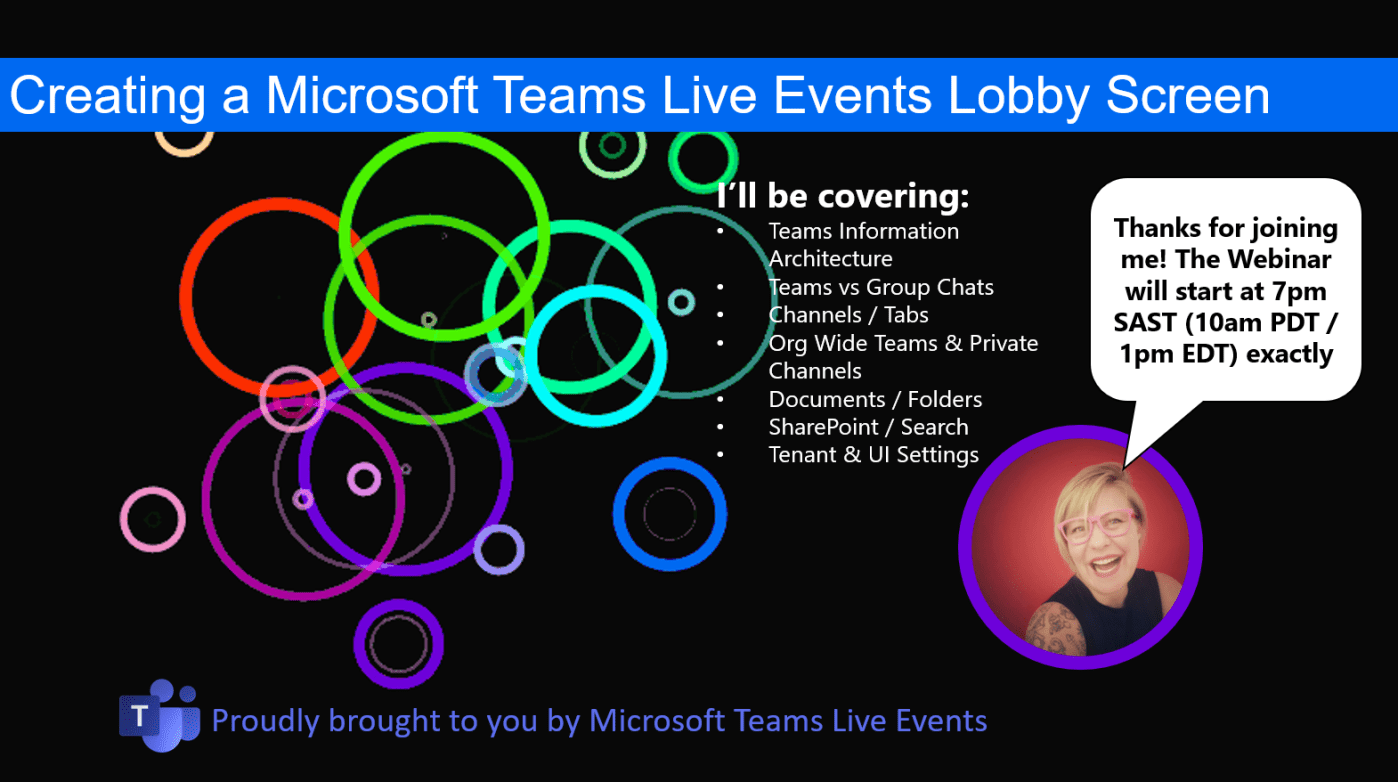
Here's a quick tip on creating a "lobby waiting screen" for your #MicrosoftTeams Live Event (webinar). https://youtu.be/yVEzXqiW7_k Voila! Hope you're enjoying using Teams Live Events as much as I do 🙂 Moving to the Cloud or stuck somewhere without... Continue Reading →

