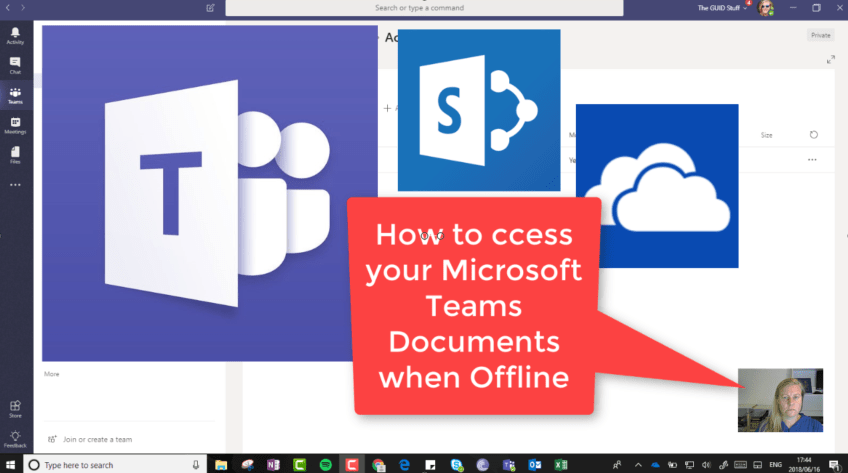
So Microsoft Teams is GREAT! You might want to access those documents when you're not online, so what can we do about this? It's much easier than you might think - open the #SharePoint Library in the background and sync... Continue Reading →

#Microsoft365 #Office365 As part of a mini series for #CitizenDevelopers I'll be sharing tips and tricks around Business Analysis, Project and Change Management. Today we'll take a look at the Project Management Process. There are so many methodologies out there,... Continue Reading →

#Microsoft365 #Office365 #SharePoint #OneDrive Beginning of May it was announced that there will be a change to the versioning settings for SharePoint and OneDrive. This affects all Document Libraries in SharePoint Team Sites as well as OneDrive. Keep in mind... Continue Reading →
#Microsoft365 #Office365 It's never a good idea to just start using a new platform and not be sure of what it actually does with your files for example. Here's a quick look at what happens when you share documents in... Continue Reading →

#Microsoft365 #Office365 #MicrosoftFlow #MSFlow I don't know a single person who likes doing their tax. That twice a year running around finding information is a pain to say the least. I use Microsoft Flow to help me gather my information... Continue Reading →

#Microsoft365 #Office365 #OfficeLens #OneNote #OneDrive As preparation for the upcoming #IntraTeam18 conference in Copenhagen I've started setting up my OneNote sections and pages I'd like to use for the conference. I use my mobile to take notes, pictures and reference files.... Continue Reading →
 Tracy van der Schyff