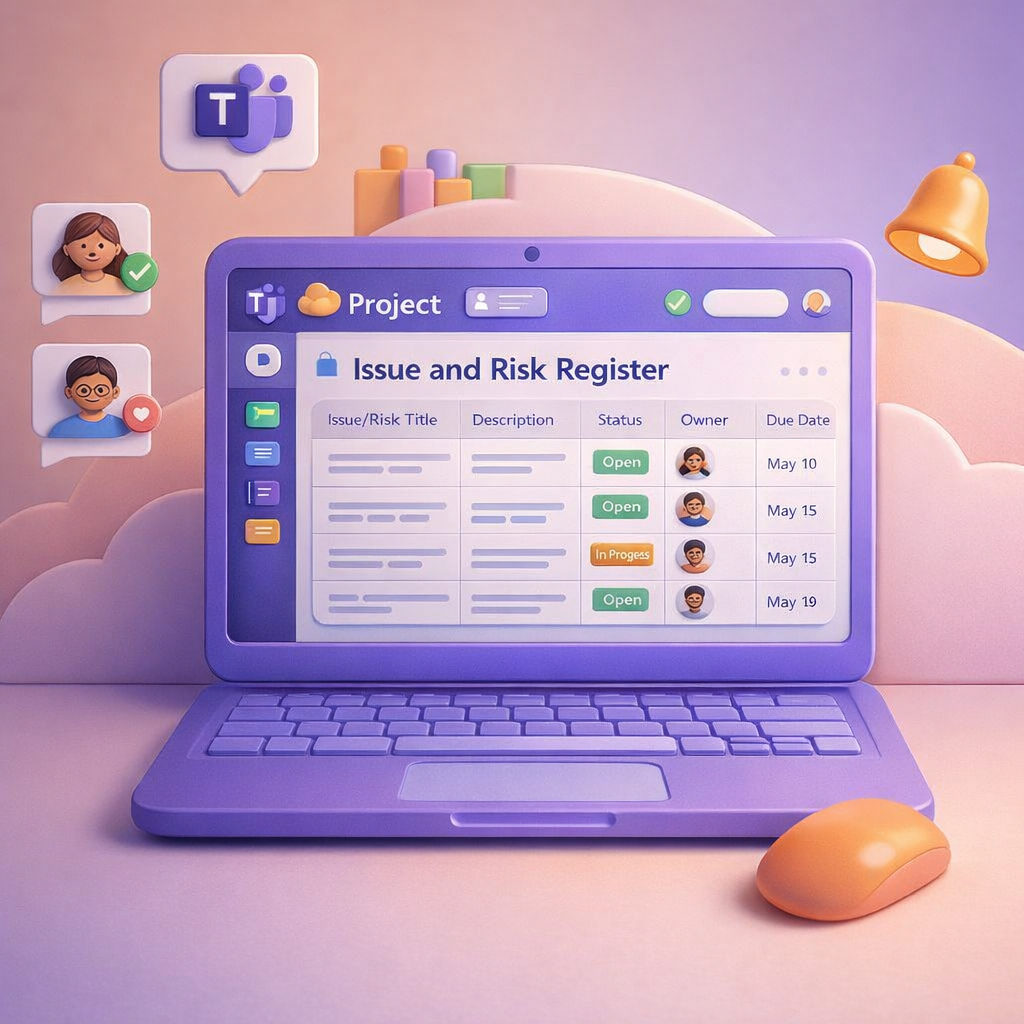
In yesterday’s blog, I looked at how Microsoft Teams can become the central hub for managing your project, conversations, meetings, tasks, and decisions all in one place. Today, I want to zoom in on something every project has (but few handle well): risks and issues. Most projects don’t fail because risks weren’t raised. They fail because risks were buried in chat, lost in meeting notes, or never tracked properly once identified. This is where Teams, Microsoft Lists, and Copilot work beautifully together.

When people think about project management, they often picture complex tools, rigid templates, and admin overhead that few people enjoy. In reality, most projects succeed or fail based on communication, shared understanding, and follow‑through — and that’s exactly where Microsoft Teams excels. When used intentionally, Teams becomes a single, structured space for conversations, documents, meetings, tasks, and decisions, instead of information being scattered across inboxes and personal drives.

When a Microsoft Team is created, it automatically creates a #OneNote linked to it (added to the #SharePoint site), so when you add a new #OneNote as a Tab - it creates a new OneNote. Also when adding #Planner (Tasks... Continue Reading →

This is not a recap blog as I sadly couldn't attend any sessions at #Microsoft #MSIgnite. I did however make notes of resources as it was shared for my own reading list and thought it might help others as well.... Continue Reading →

With approximately a week to #MSIgnite, now is the time to do some preparation, because as soon as you hit that floor it will be learning, walking, chatting & having fun. No time for administration. Here's some tips to manage... Continue Reading →

This already came through in April 2018, but guess who didn't know. Me. Well let's test it then. We now have the ability to add Plans right there from the #SharePoint Team Site home page. Once added you can also... Continue Reading →
 Tracy van der Schyff