
In previous blogs I've spoken about selecting the existing #OneNote or #Planner (created automatically) for your #MicrosoftTeam. l've found an easier way to speed up that integration between the Apps so that you can very quickly select the OneNote and... Continue Reading →

Like I said, if you're not using it yet, WHY? It really is a great app which means you have access to your Communication (Intranet) and Team Sites, your files, organizational contacts and the Newsfeed (company and team communications). Let... Continue Reading →
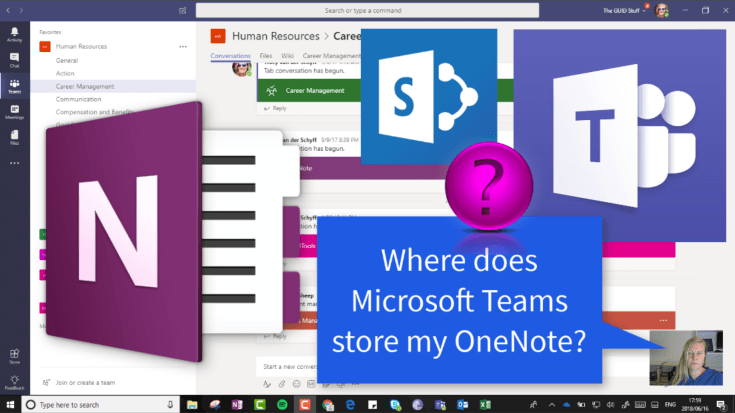
We know that your Microsoft Team (#Office365Group) creates a OneNote for you to use. If you're not sure where that is stored, let me show you. It's called Notebook and it's created right there on your #SharePoint site behind your... Continue Reading →
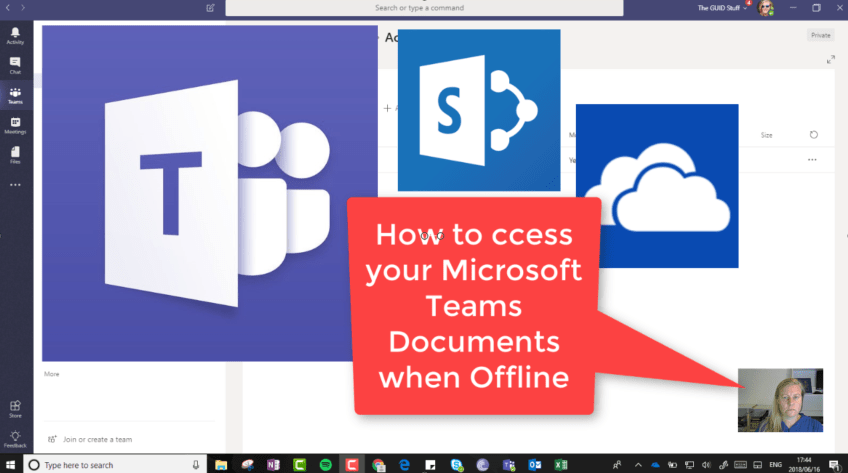
So Microsoft Teams is GREAT! You might want to access those documents when you're not online, so what can we do about this? It's much easier than you might think - open the #SharePoint Library in the background and sync... Continue Reading →

Today one of my blog followers asked if a task can be created when I send an email to a Channel in Teams. Of course I went and tried this out. As per my previous blog, you can send an... Continue Reading →

When you start using Teams, you actually want to avoid communicating with the same Team through Outlook as well. Occasionally you have to send an email though and a great way to keep track of that and notify your Team... Continue Reading →
 Tracy van der Schyff