
#Microsoft365 - Gone are the days where users would navigate to the Intranet to see the latest news (or did that ever happen?). See the options for promoting news and announcements from your Intranet and learn about what's coming. For... Continue Reading →

#Microsoft365 - I'm happy to report that I've seen "Citizen Development" pop up more and more at conferences. I felt it needed the attention and recognition. This post is a shout-out to all the amazing people who create great applications... Continue Reading →

#Microsoft365 - Here's a quick one, sure to save you lots of time NOT navigating to stuff. Let's take a look at setting Quick Access Favourites in #Windows File Explorer. For previous posts in my #Microsoft365Challenge go to the index page.... Continue Reading →
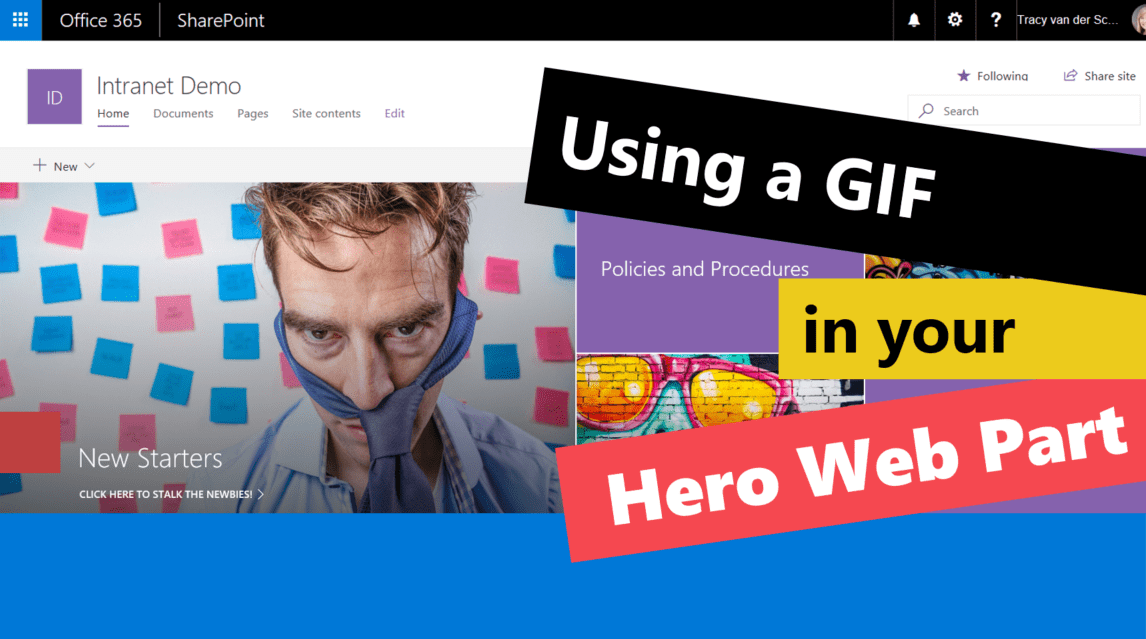
#Microsoft365 - I'm absolutely loving the new Communication Site templates in #Office365 SharePoint Online. Thank you #Microsoft for creating these beautiful, responsive mobile friendly templates. Today I'll show you how to use a GIF as one of the images in... Continue Reading →

#Microsoft365 - We all know that the amount of information we deal with can be overwhelming. It's therefor great to know that #Office365 is helping us save time, by giving us the tools to be more efficient - faster. See... Continue Reading →
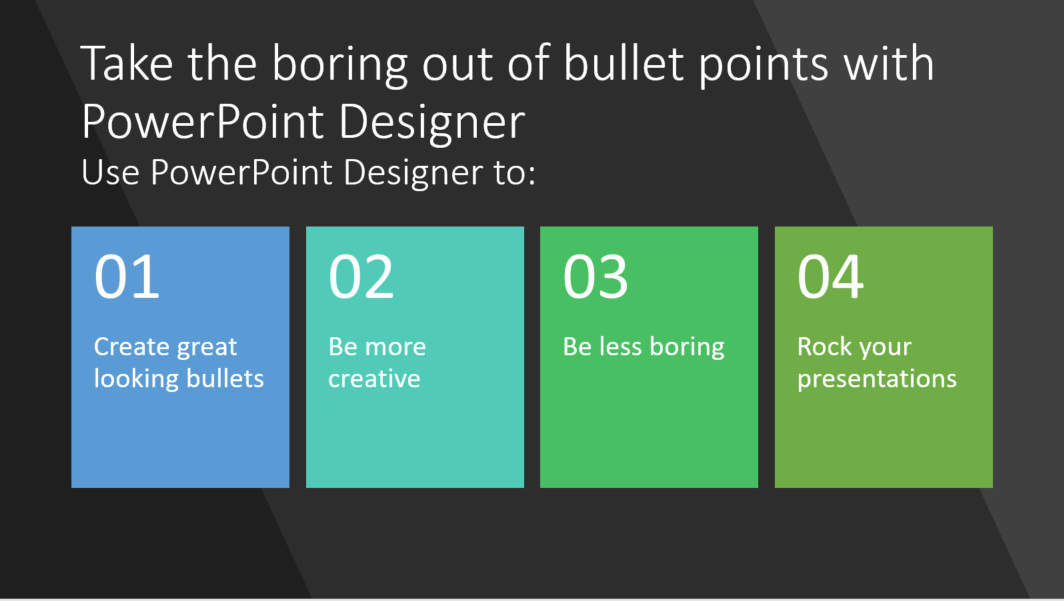
#Microsoft365 - The content you have for your presentations is real important - but if it's boring - it will have a negative impact on your outcome. Let's take a look at using #PowerPoint Designer to change the way your... Continue Reading →
 Tracy van der Schyff