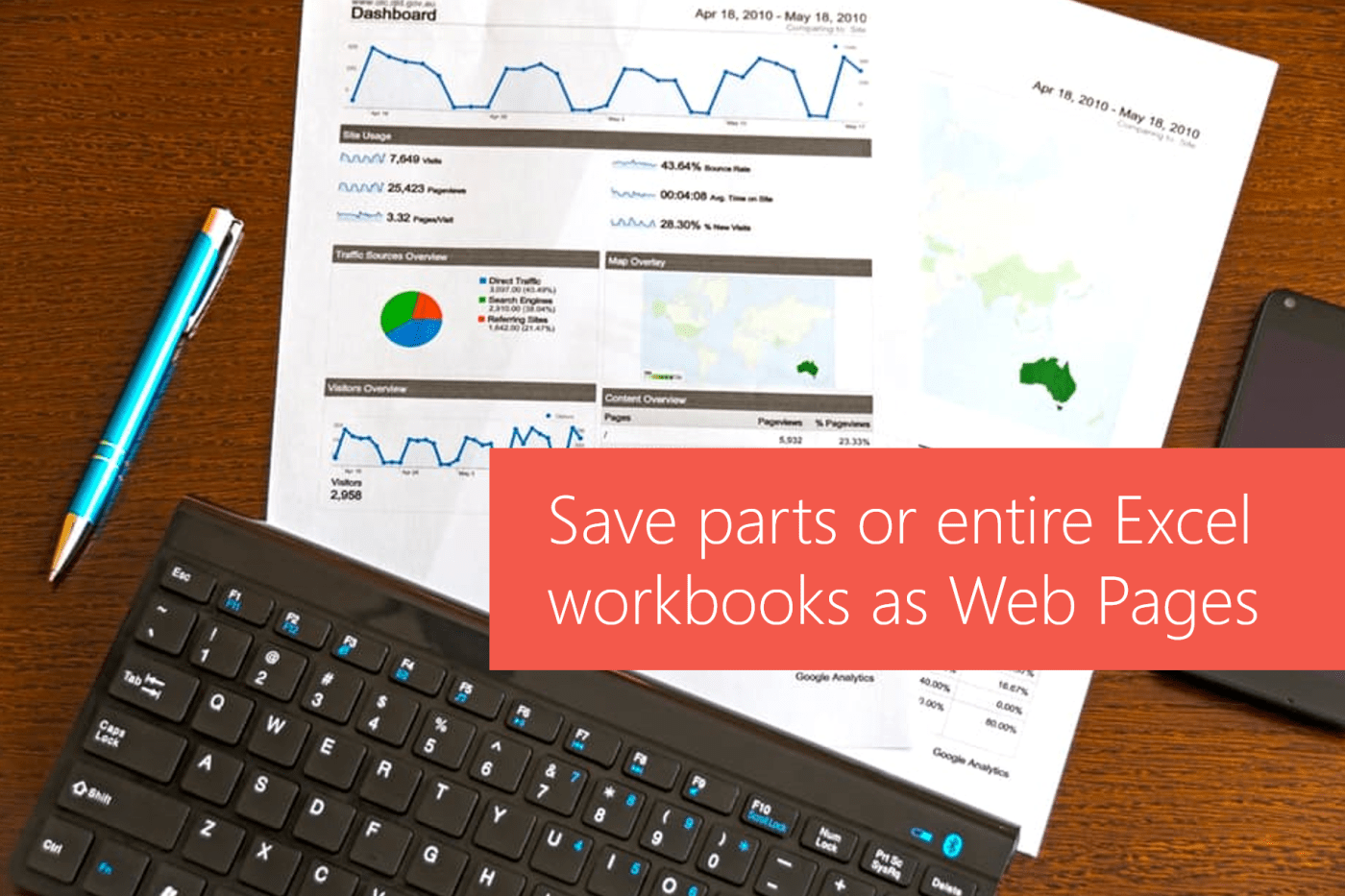
#Office365Challenge Here's a feature I've used quit often, but most probably not for what it was intended for. The ability to save parts of full workbooks in Excel as web pages allows us to expose data on a web page -... Continue Reading →
#Office365Challenge One of the biggest challenges as a blogger - is to keep writing even if you think everyone knows it already. Because they don't. At any given time somebody, somewhere still needs to learn something you've already forgotten. I still... Continue Reading →


#Office365Challenge I was so fortunate to be at the Microsoft Tech Summit in Johannesburg today and as always I was reminded of how important networking is. The ability to ask questions and give feedback is valuable - for both parties. In this... Continue Reading →
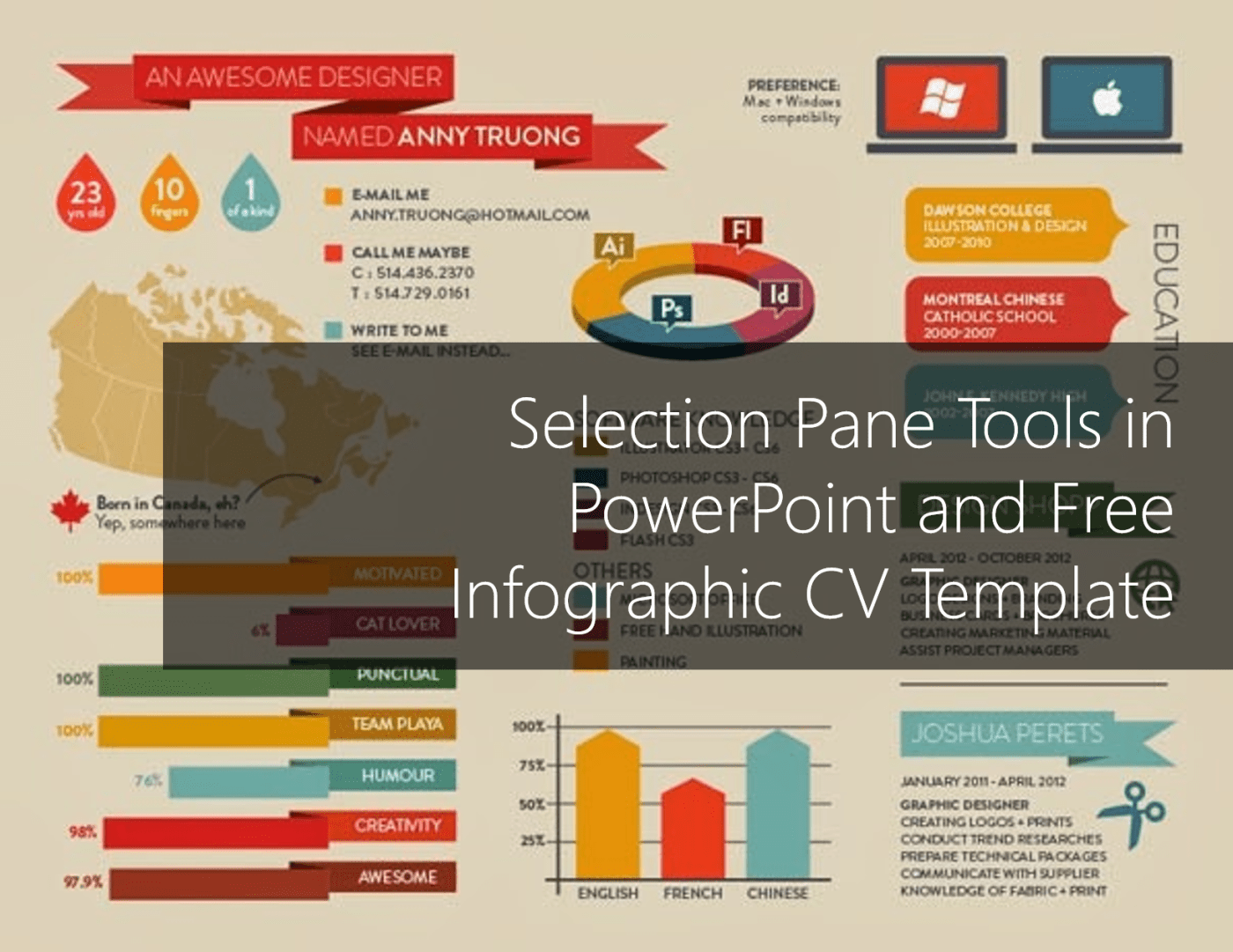
#Office365Challenge In this blog I'll share some tips on selecting and working with multiple objects (shapes, text, objects and placeholders) in PowerPoint as well as giving you my Infographic CV template for free use. I have a crazy amount of objects... Continue Reading →

#Office365Challenge If you're even a bit like me, you'll use PowerPoint for much more than just presentations. I've created posters, flyers and even my latest Infographic CV in PowerPoint. (Might share the template with you in a next blog). When your... Continue Reading →

