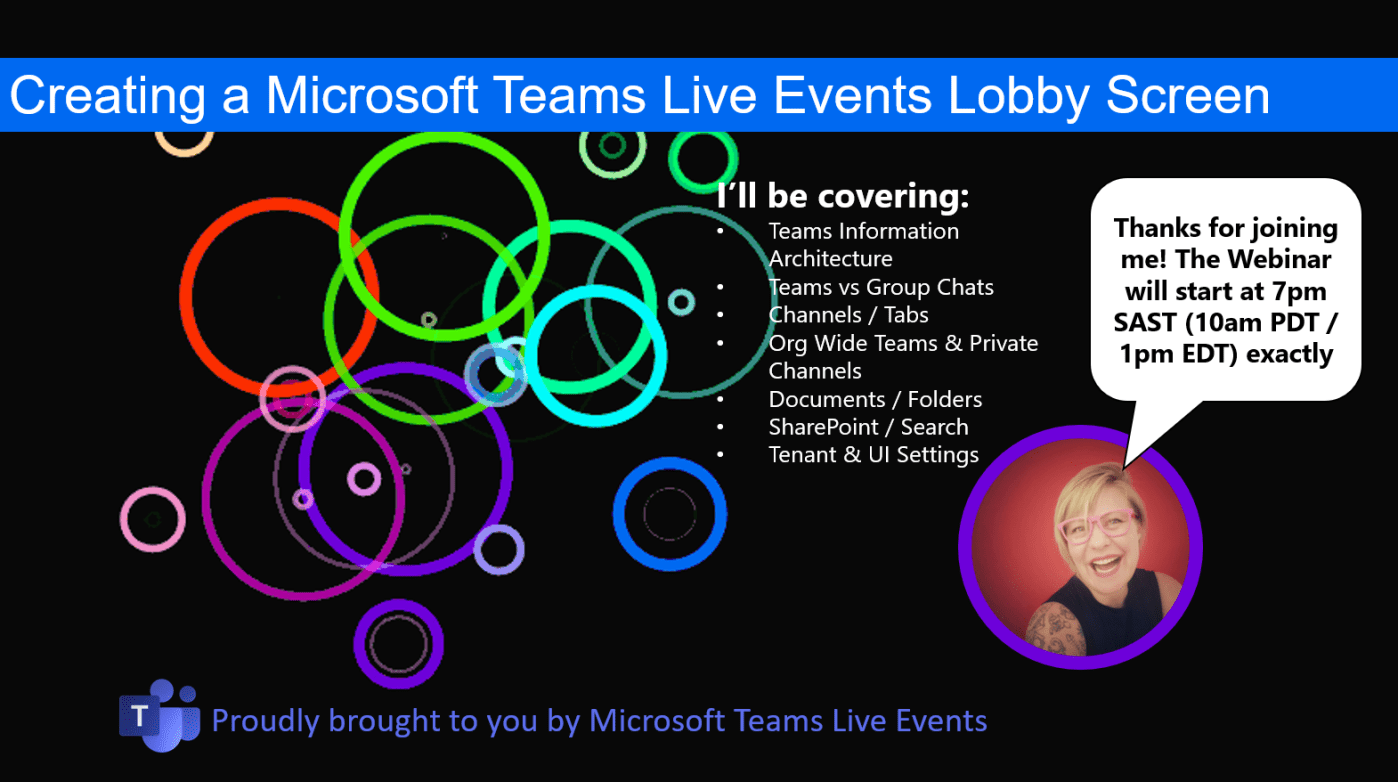
Here's a quick tip on creating a "lobby waiting screen" for your #MicrosoftTeams Live Event (webinar). https://youtu.be/yVEzXqiW7_k Voila! Hope you're enjoying using Teams Live Events as much as I do 🙂 Moving to the Cloud or stuck somewhere without... Continue Reading →

Perhaps you've been working on a file every day and something goes wrong, or someone accidentally deleted the file? Let me show you how to restore previous versions of the file or even restore a deleted copy of the file... Continue Reading →

In the previous blog we created a #PowerAutomate to show created tasks from #Planner in a channel in #MicrosoftTeams. Today we'll look at showing the correct display names by using an expression in a variable and the Get User Profile... Continue Reading →

Today's blog solves a part of the problem we have that #Planner currently does not have audit logs. I'll be using #PowerAutomate to track the creation of tasks, which I then publish as a conversation to a #MicrosoftTeams channel. I've... Continue Reading →

In this video I'll show you how to setup an approval flow in #PowerAutomate on documents added to a specific folder in #MicrosoftTeams (#SharePoint) and if approved, it will move the document to a new folder. This is a great... Continue Reading →

Today we'll take a look at modifying an existing template to achieve a desired outcome. Want to save email attachments with #PowerAutomate to a specific channel / folder in your #MicrosoftTeams? Let me show you how easy it is to... Continue Reading →
 Tracy van der Schyff