#Office365Challenge I still have a lot to say about Skype for Business. Today I'll take your through Scheduling Meetings, Whiteboards, Co-authoring of documents, Polls, Q&A's and the Meet Now functionality. Day: 311 of 365, 54 left Tools: Office 365, Skype for Business Description: ... Continue Reading →

#Office365Challenge Today we're looking at making audio and video calls with Skype for Business, as well as sharing your desktop and recording calls. Day: 310 of 365, 55 left Tools: Office 365, Skype for Business Description: Audio and Video Calls with... Continue Reading →

#Office365Challenge Now that we have the basics out of the way (menus and contacts), we'll take a look at using Skype for Instant Messaging. Day: 309 of 365, 56 left Tools: Office 365, Skype for Business Description: Instant Messaging with Skype for... Continue Reading →

#Office365Challenge Skype for business is a great way to communicate and collaborate with other Skype users. This post will cover the features and user interface. Day: 307 of 365, 58 left Tools: Office 365, Skype for Business Description: Skype for Business User Interface Audience: All... Continue Reading →
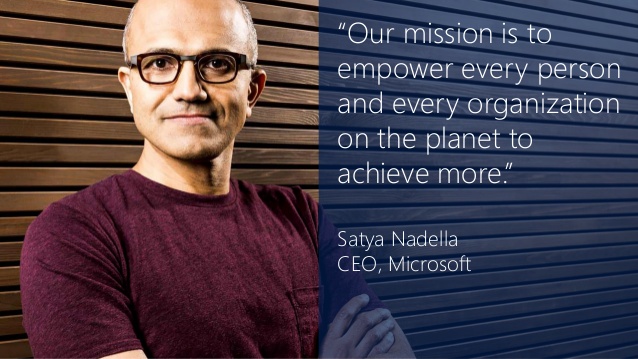
#Office365Challenge This blog is dedicated to everyone out there who wants to do better and do it faster - see what Microsoft has to offer you, to achieve more. Day: 306 of 365, 59 left Tools: Office 365 Description: Skype for business... Continue Reading →
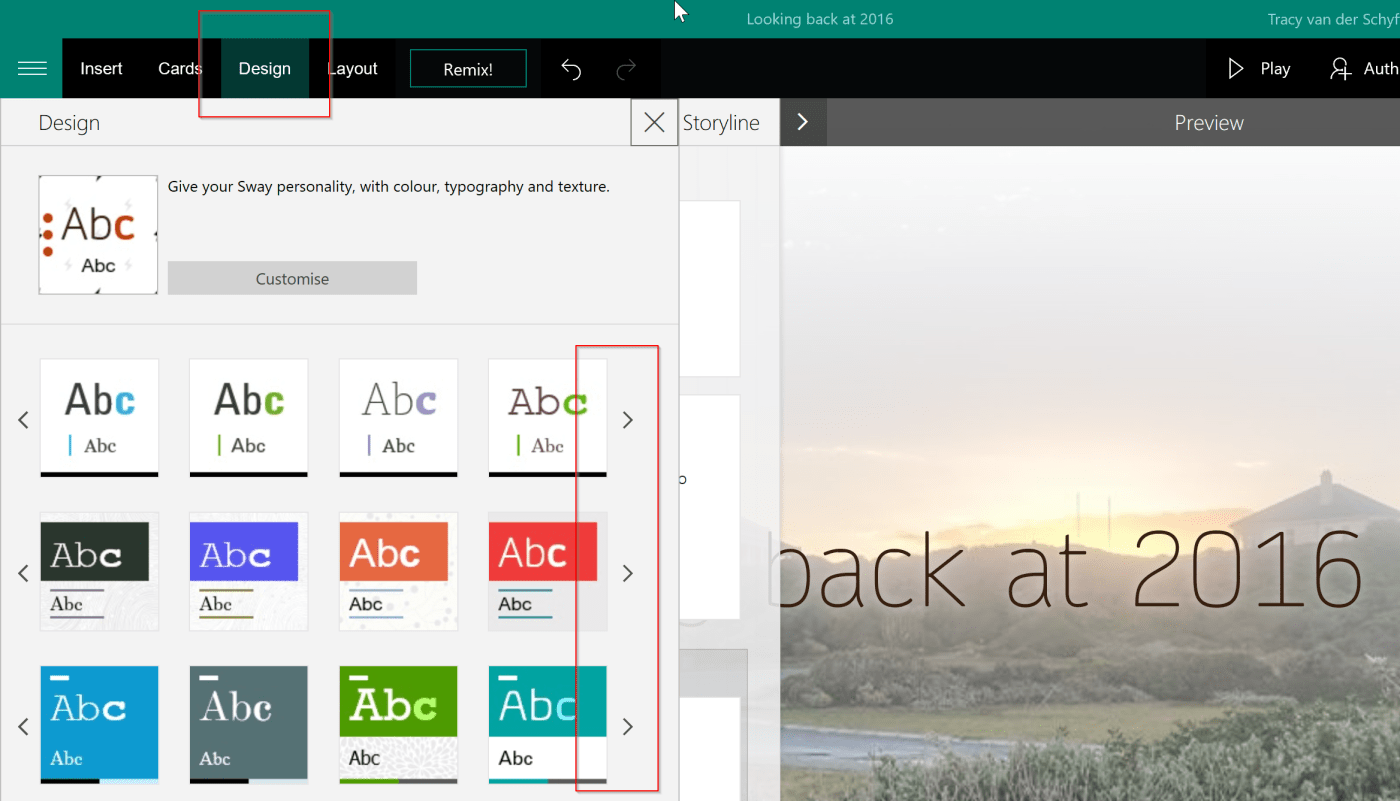
#Office365Challenge In the last of my posts about Sway, we'll look at the Design options and using Remix. Day: 305 of 365, 60 left Tools: Office 365, Sway Description: Design and Remix in Microsoft Sway Audience: All As mentioned this is the... Continue Reading →
 Tracy van der Schyff