
#Microsoft365 #Office365 The vision for "Working from anywhere, on any device, at any time - for everyone" becomes real when integration and transparency takes place. No longer do we have to navigate to different apps and browsers to achieve what... Continue Reading →

At the moment I'm taking a stroll through the Admin Centers in #Office365. We forget that not all our users have access here, and not understanding what the possibilities and configurations are can be frustrating for them. Please take the... Continue Reading →
In #OneDrive the content you load and share, is yours. So you're the owner of it. Which is why I suggest to companies to have their users put content into #SharePoint / #MicrosoftTeams as much as possible - when that... Continue Reading →
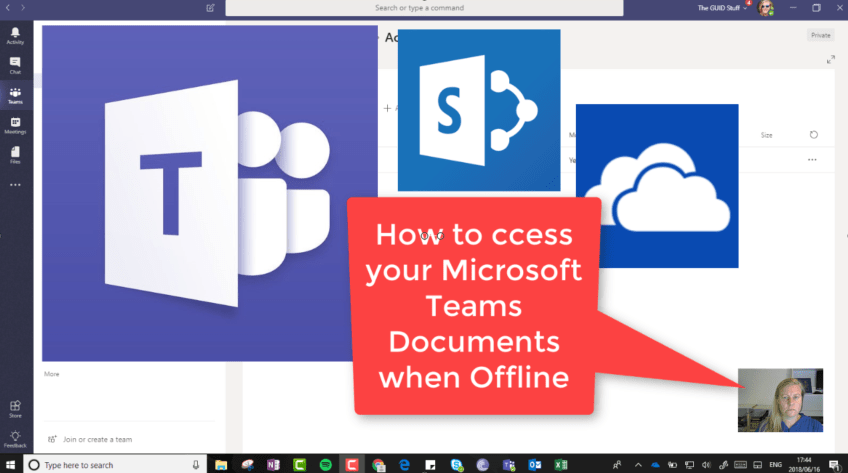
So Microsoft Teams is GREAT! You might want to access those documents when you're not online, so what can we do about this? It's much easier than you might think - open the #SharePoint Library in the background and sync... Continue Reading →
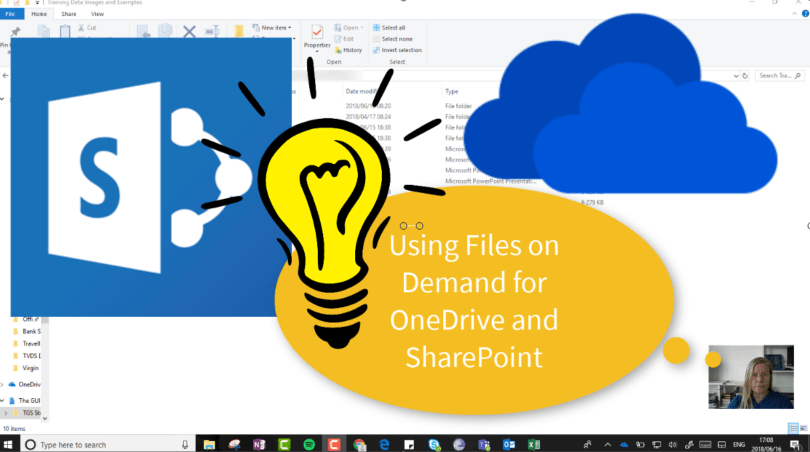
Files on Demand is a great feature that allows us to decide which files / folders should be synced to our devices. With a 1TB storage, you definitely don't want to sync all your files. You'll still see all the... Continue Reading →

#Microsoft365 #Office365 #SharePoint #OneDrive Beginning of May it was announced that there will be a change to the versioning settings for SharePoint and OneDrive. This affects all Document Libraries in SharePoint Team Sites as well as OneDrive. Keep in mind... Continue Reading →
 Tracy van der Schyff