
Copilot helps you turn ideas into polished slides quickly. No more struggling with layouts or wasting hours on design. Just tell Copilot what you need, and it drafts slides, adds images, and even writes speaker notes.

#Microsoft #Sway in the #Office365 toolbox is a great tool to use, but as with all things tech, we need to first figure out if we need it, and then how to use it. Let's take a look at the different... Continue Reading →
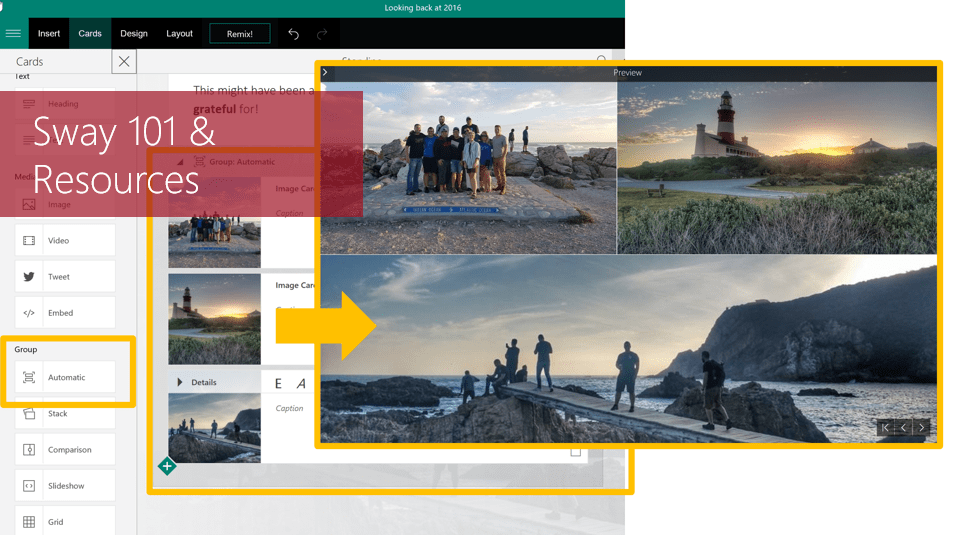
#Microsoft365 - Sway is an app used to create and share content. Think PowerPoint - but better in a different super way. = (s)way 🙂 For previous posts in my #Microsoft365Challenge go to the index page. Last year I had loads... Continue Reading →

#Office365Challenge It feels like I've been waiting for this FOR EVER!! That update just wouldn't come through. Anyway, now I have it and I can tell you about the new Zoom Feature in PowerPoint. This allows you to Zoom in... Continue Reading →
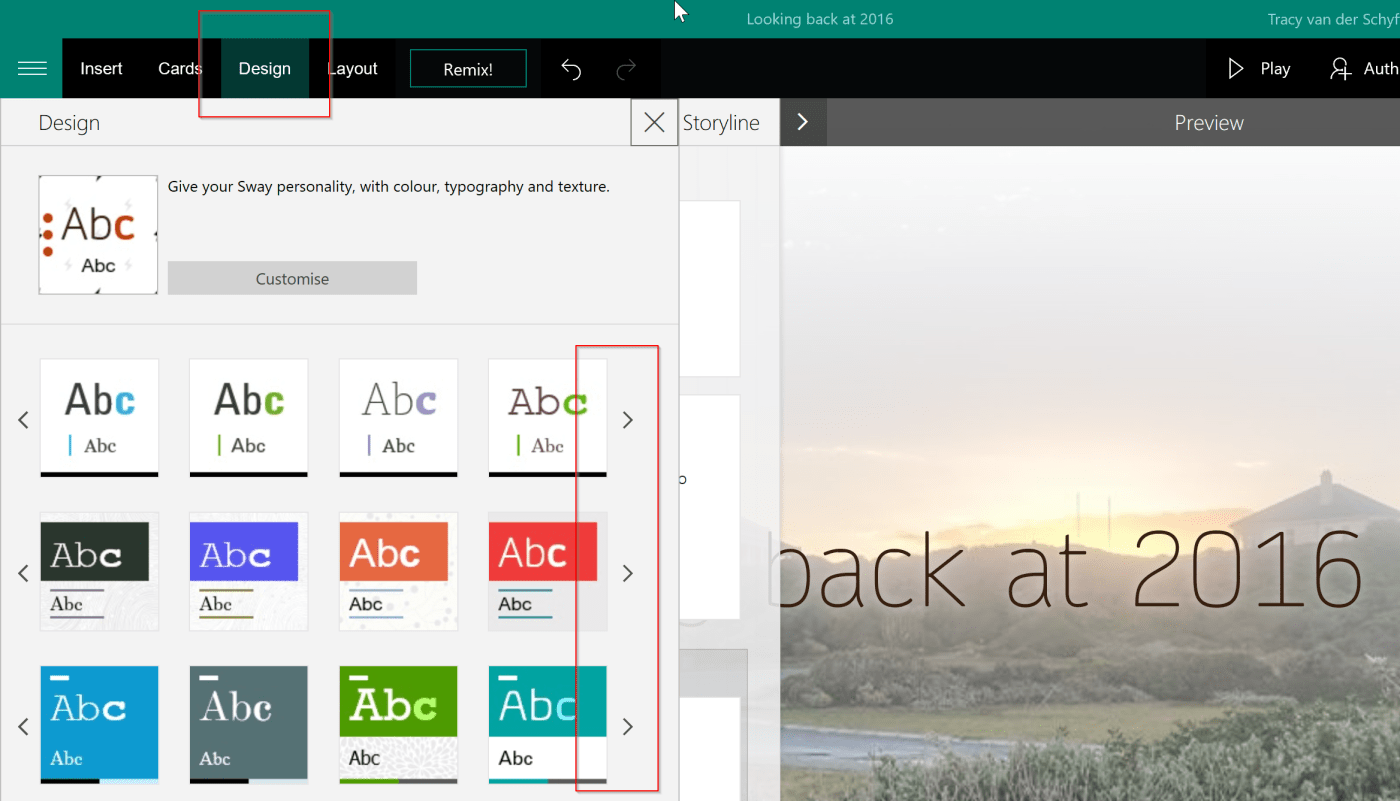
#Office365Challenge In the last of my posts about Sway, we'll look at the Design options and using Remix. Day: 305 of 365, 60 left Tools: Office 365, Sway Description: Design and Remix in Microsoft Sway Audience: All As mentioned this is the... Continue Reading →
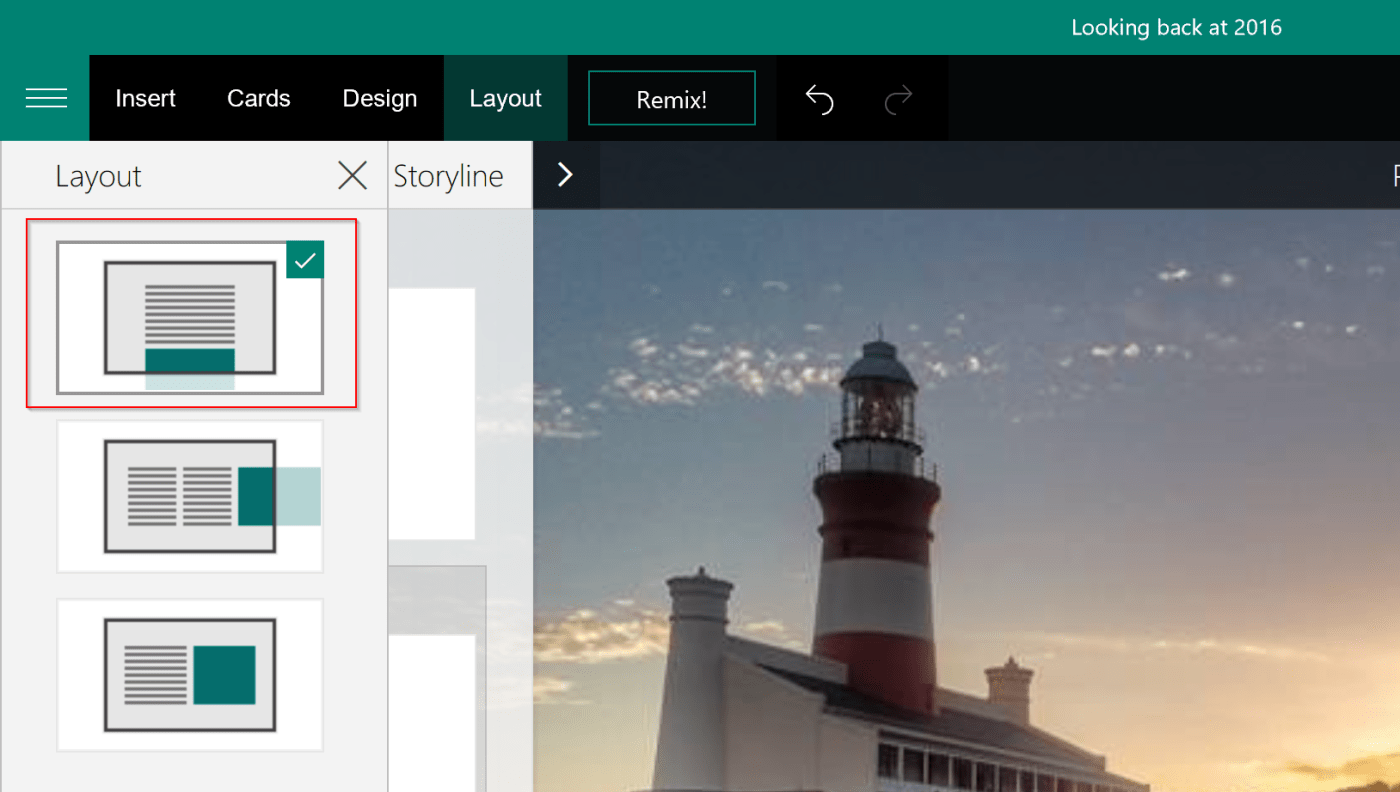
#Office365Challenge In this Sway post, we'll be looking at how much the Layout affects your Sway presentation. Day: 304 of 365, 61 left Tools: Office 365, Sway Description: How to use Layouts in Microsoft Sway Audience: All Day 4 of my Sway... Continue Reading →
 Tracy van der Schyff